To get info for stock level in a store, open management section and select "Stock" from the left.
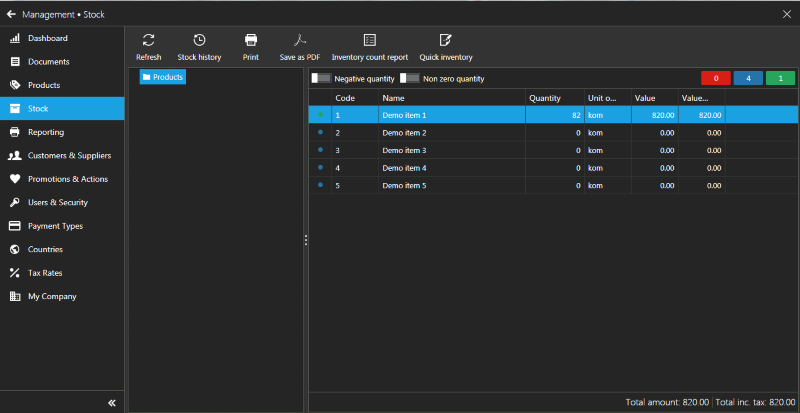
From this section you can:
- See and print quantities on hand for your store.
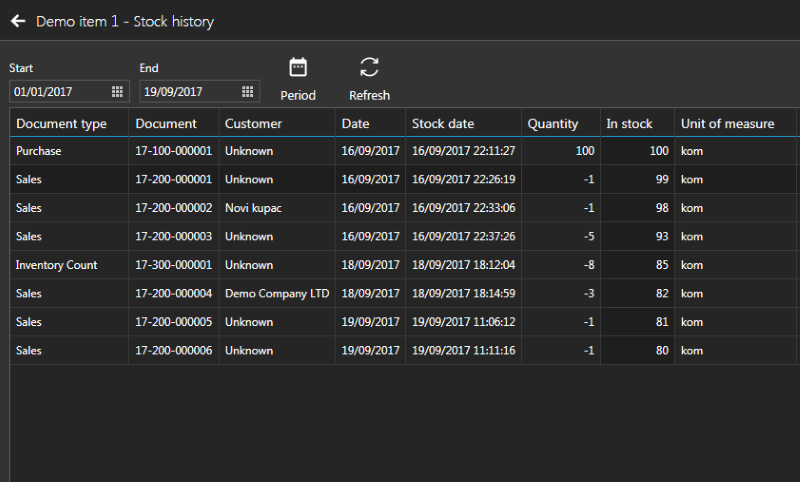
- See and print stock history for selected product
- Print Inventory count report
- Make a quick inventory for selected product
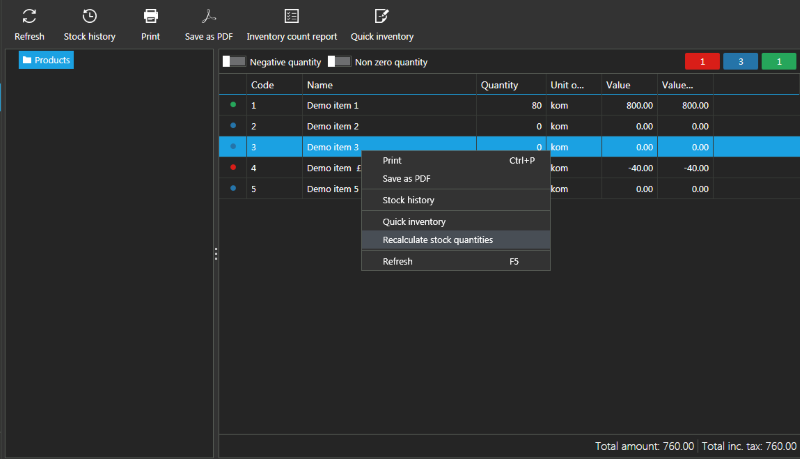
- Recalculate stock quantities (use right click menu)