Show payment icons on the touch screen instead of one icon
Completed
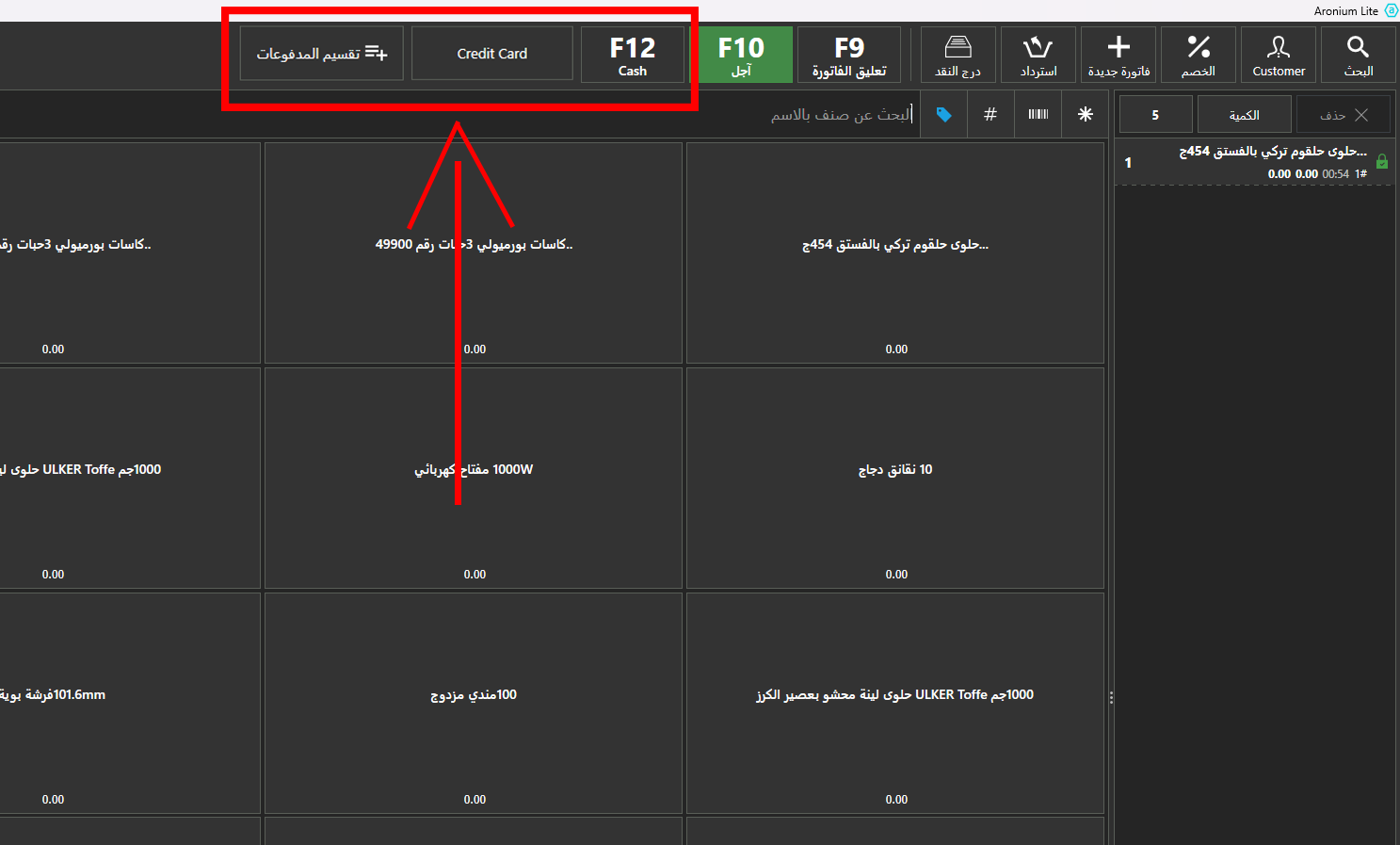
Showing payment icons on the touch screen instead of one icon is very annoying. I want them to appear next to each other directly without entering the F10 icon.
Like this.
-

Hi Momoon72,
This functionality is added to the latest update, version 1.46. All payment types marked as "Quick Payment" will be visible on the button bar, as in the screenshot below.
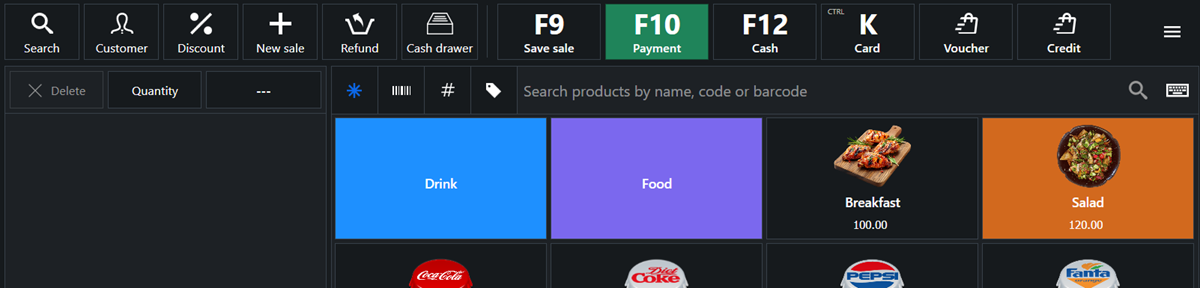
If you wish, you can still assign and use keyboard shortcuts as described at https://help.aronium.com/hc/en-us/articles/209548569-Payment-types, assigned key will be used instead of generic icon (as it is showing letter "K" in the screenshot above).
Thanks, Aronium team.
-
Hi Momoon72,
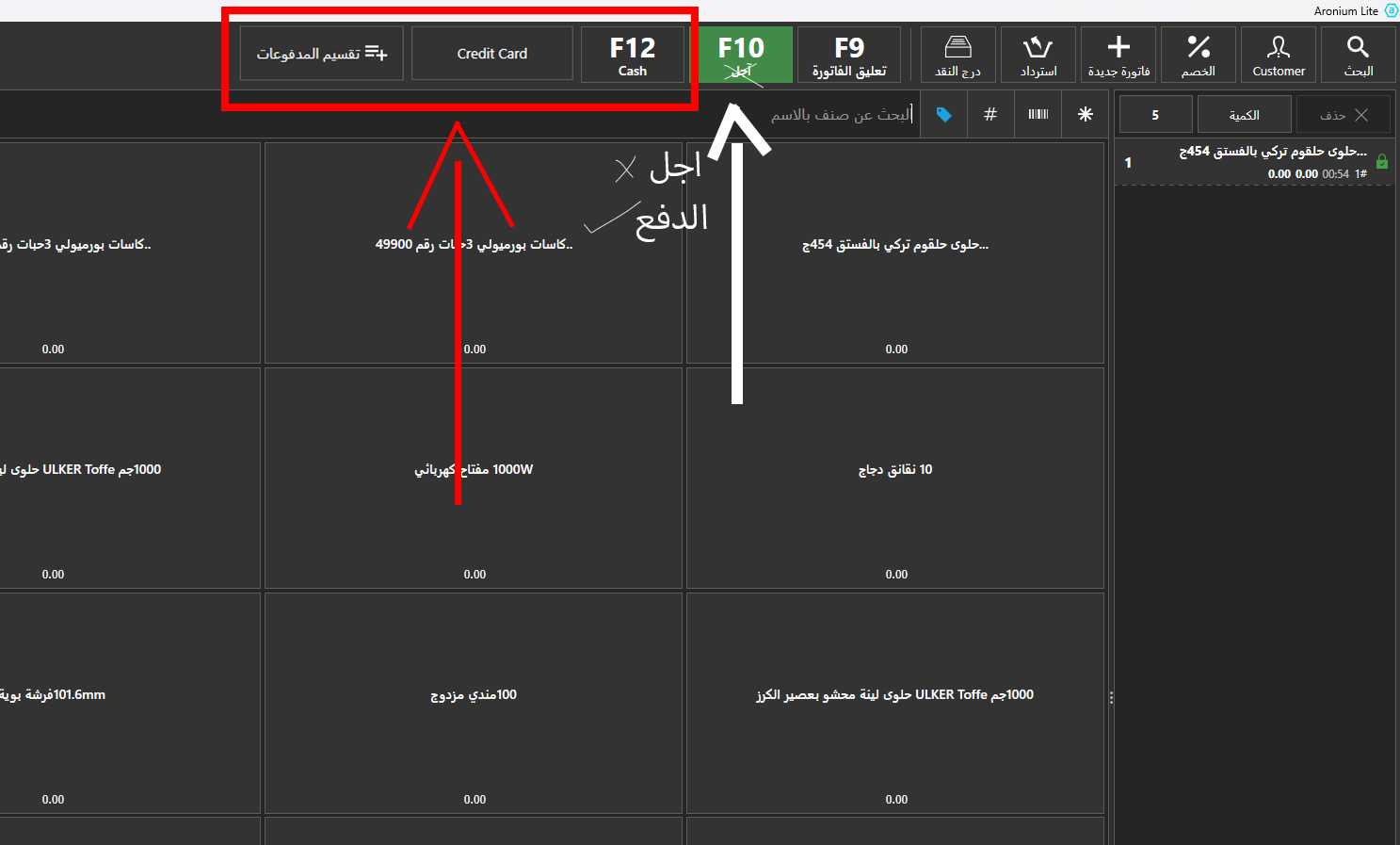
Thanks for the feedback on Arabic translation, we will be looking to improve it. If you have a suggestion what is the more appropriate translation for this operation, feel free to suggest.
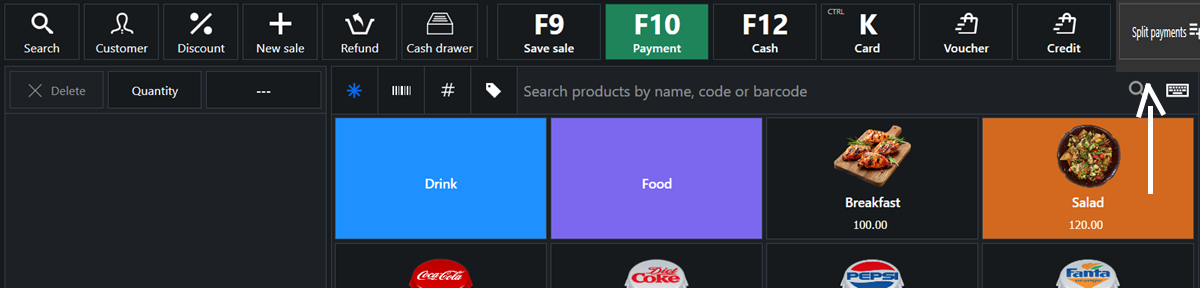
Regarding adding Spit payments to the main screen, ee have no plans to add that option there. It is a complex operation and it is available under F10 - Payment button, basically, it is "one click away".
Thanks, Aronium team.

Please sign in to leave a comment.
Comments
6 comments