Report in Excel format

Hi all,
I am the new.
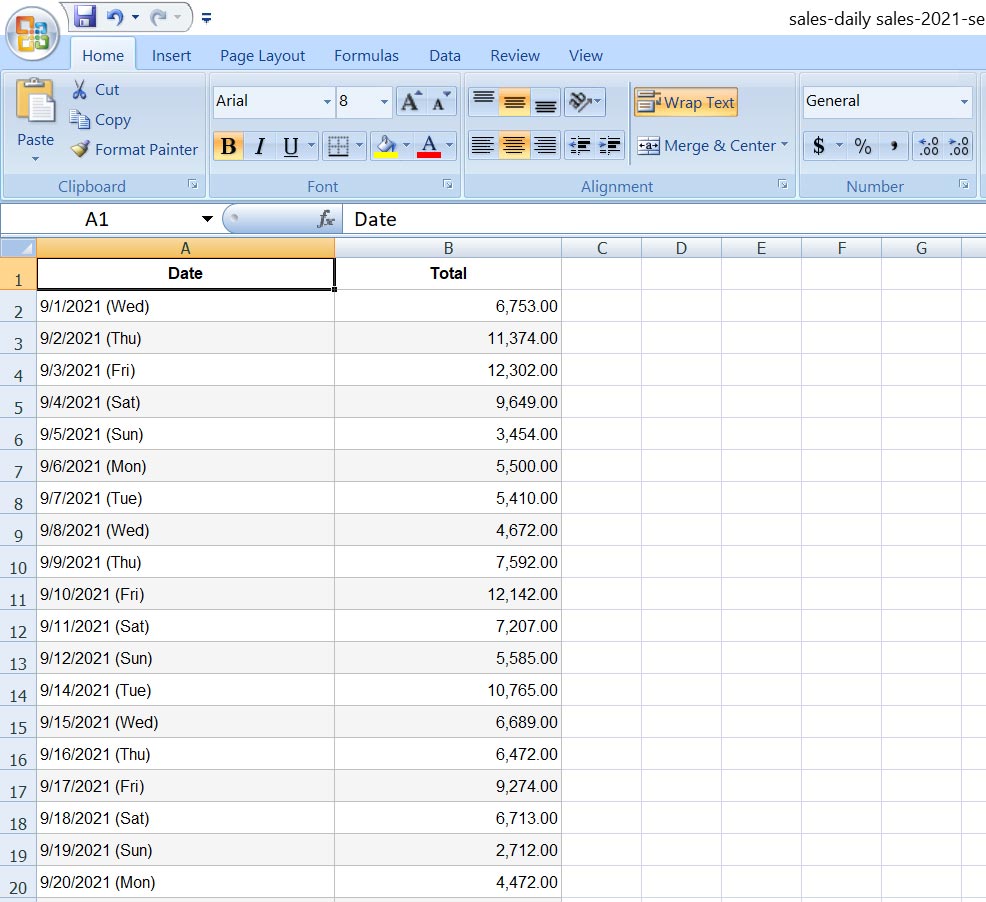
is it posible to export report in excel file, such as daily sales, product sales history?
TA
-

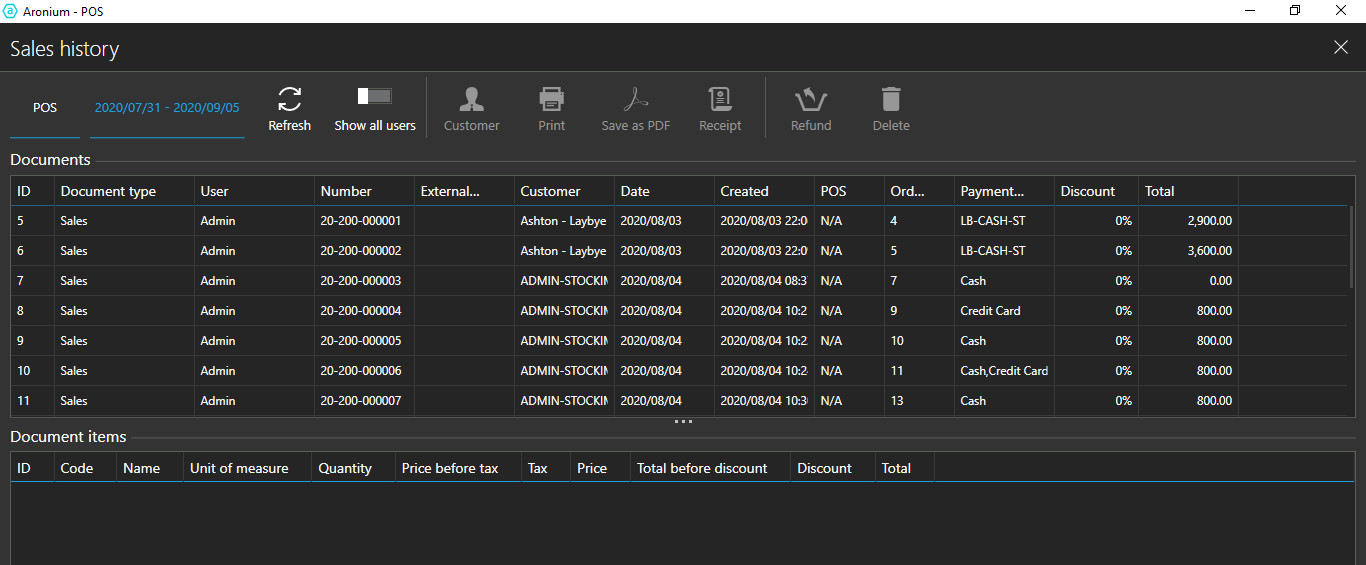
Good day I dont think that you have answered the question in full. Whilst all reports on the report tab are indeed able to export to excel, the Sales Histrory Report cannot be exported to excel.
Please advise if this is possible as there is no option on this screen. By exporting this to excel, I will be able to do all my custom reporting through this one table.
The system does not support the lay-by payment type, however I have found a work-around, this is not ideal but it has been working for the past two months. I really like the look and feel of the Aronium -POS.
I will await your response to this.
-

Hello. I also have a similar issue with the "invoice" report. There's no option to filter sales that were paid in a certain payment type, for example if I need to analyze only the credit card or cash transactions in a certain period. Also if I export the invoices report it doesn't have a column with the payment type so I cannot filter them in excel as a workaround.
I wish Ashton could share the way he works around these issues -

Hi Fernando,
Can you use "Payment types" report for this purpose, as this report gives you a summary of payment types used in a given period?
We are aware that, unfortunately, there is no "one-size-fits-all", even in reporting, as we believe there will always be someone who needs different data for the analysis.
If you feel some field or data is missing in a report, and if you (for any reason) cannot use existing report to get that data, please reach out to us anytime via support@aronium.com or by creating support ticket, we will be glad to discuss and see if default report template can be changed to accommodate your needs.Thanks, Aronium tea,.
-
Hi Talha,
Unfortunately, this has nothing to do with Excel, the reports in your case are different because of different dates stored on document and in payment type.
We have replied to your support ticket with more details, please check it out and we can continue the conversation there.
Thanks, Aronium team.


 .
.Please sign in to leave a comment.
Comments
8 comments