What these functions used for ?

-

Hi Salim,
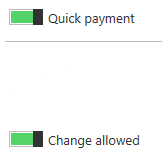
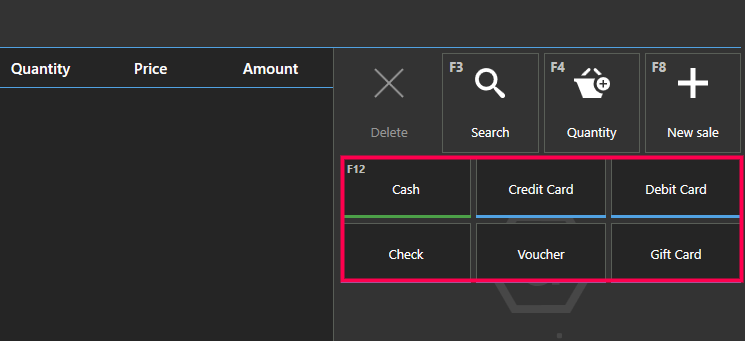
Quick payment applies to the standard layout only, if enabled, payment type will appear in the list of payment types in main sales screen, as in the screenshot below.
Change allowed means that payment type is applicable for change, like "Cash".
Here is an example. If sales total is $100, you can enter $500 using Cash and Aronium will print $400 as change. This will not be allowed using payment types that are not applicable for change, an example can be a "Credit card" payment type, as you will probably not issue a change when charging using credit card, but you will charge exact amount.Hope this answers your questions.
Thanks, Aronium team.
Please sign in to leave a comment.
Comments
1 comment