change display

currently, the change only appears after you chose your mode of payment, then disappears after 1 second. then it is displayed on the print receipt screen. I disabled printing receipts, so I can only see the change for 1 second.
please make the change appear as you type the amount received from customer. thank you
-

Hi Felix,
All you have to do is press ENTER key once you write the amount paid. At that moment, the change will be calculated and displayed.
In the example below, we have typed in 500 and pressed ENTER, so the change is visible until you select the payment type.

Second thing you can do is turn on "Display receipt print dialog" that will display the change, too. From there, you can hit ESC to close the screen once you have returned the change to the customer.
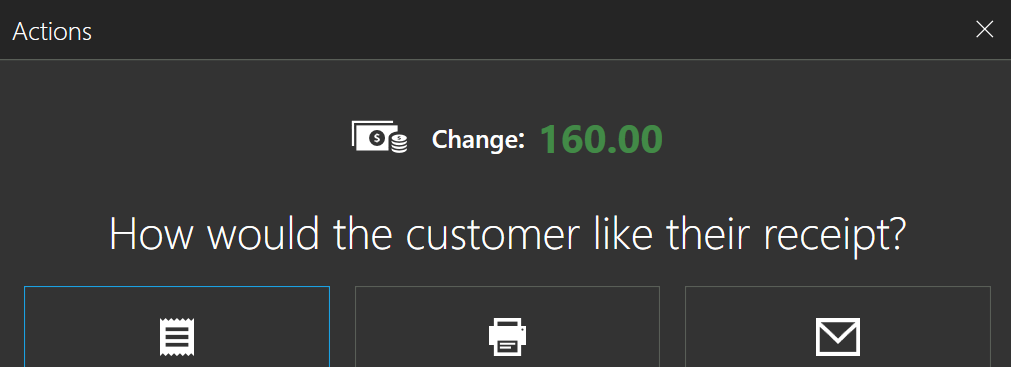
Hope this helps.
Best regards, Aronium team.
-
When I press enter, it automatically makes the sale without showing me the change. But thanks to your answer I solved the issue. It seems that I have deleted all the payment methods except cash so the sale is made automatically. I hope you can fix it so that you can press enter to see the change even if you only have 1 payment option. Thank you so much!

Please sign in to leave a comment.
Comments
3 comments