Editing sales document: Invalid payment amount

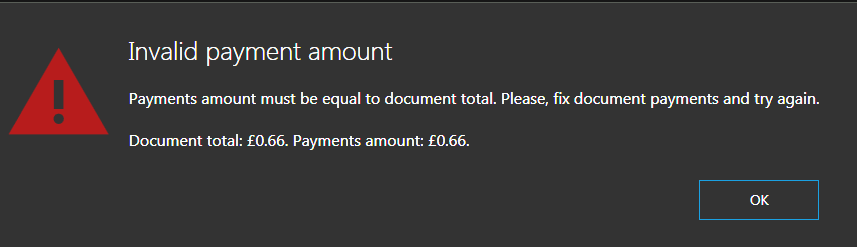
I just tried editing a sales document to see if it would work (Useful to be able to do this if a user made a mistake for example, rather than do refund -> new order). However I got an error message that doesn't make sense. See below:

As you can see, the totals are exactly the same, so I do not know why I received this message.
-

Hi Ash,
Thanks for bringing this up.
The reason for this message is that the numbers rounded to 2 decimals looks the same, but if you set decimal places to more then 2 decimals, you will probably see that they are different. For example, 3.0999 will end up as 3.10.
This will be fixed in next update, at least we will tolerate some minor decimal points differences for this verification, so you shouldn't see such message again.
Currently, the only way to avoid such message is double check the values or increase decimal places in settings, this way, you will see where the difference is and you will be able to correct it.
If you need any help with this, please let us know.
Thanks, Aronium team.
-
Hi Ash,
Thank you for reporting this, obviously, there is still a problem with this and decimal places rounding.
We would like to know more about this and fix it, but we may need some more info from you, like what numbers were actually there or what prices are you using.
If you have some spare time and you are willing to help us out in fixing this once and for all, please reach out to us via support request so we can follow up.
We will investigate this for sure, and hopefully be able to reproduce and fix it.
Thanks, Aronium team.
-
Hi hafiz4saqib,
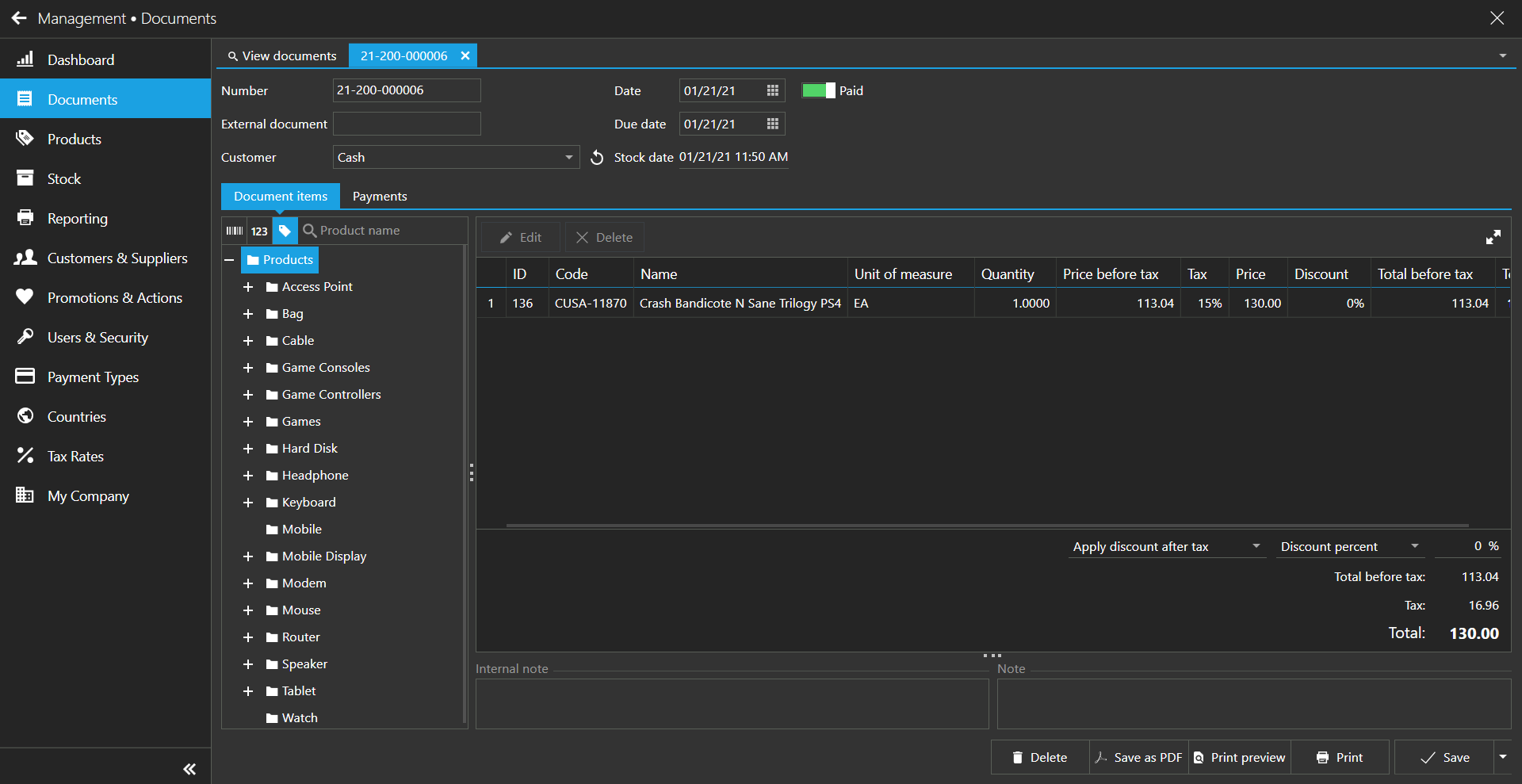
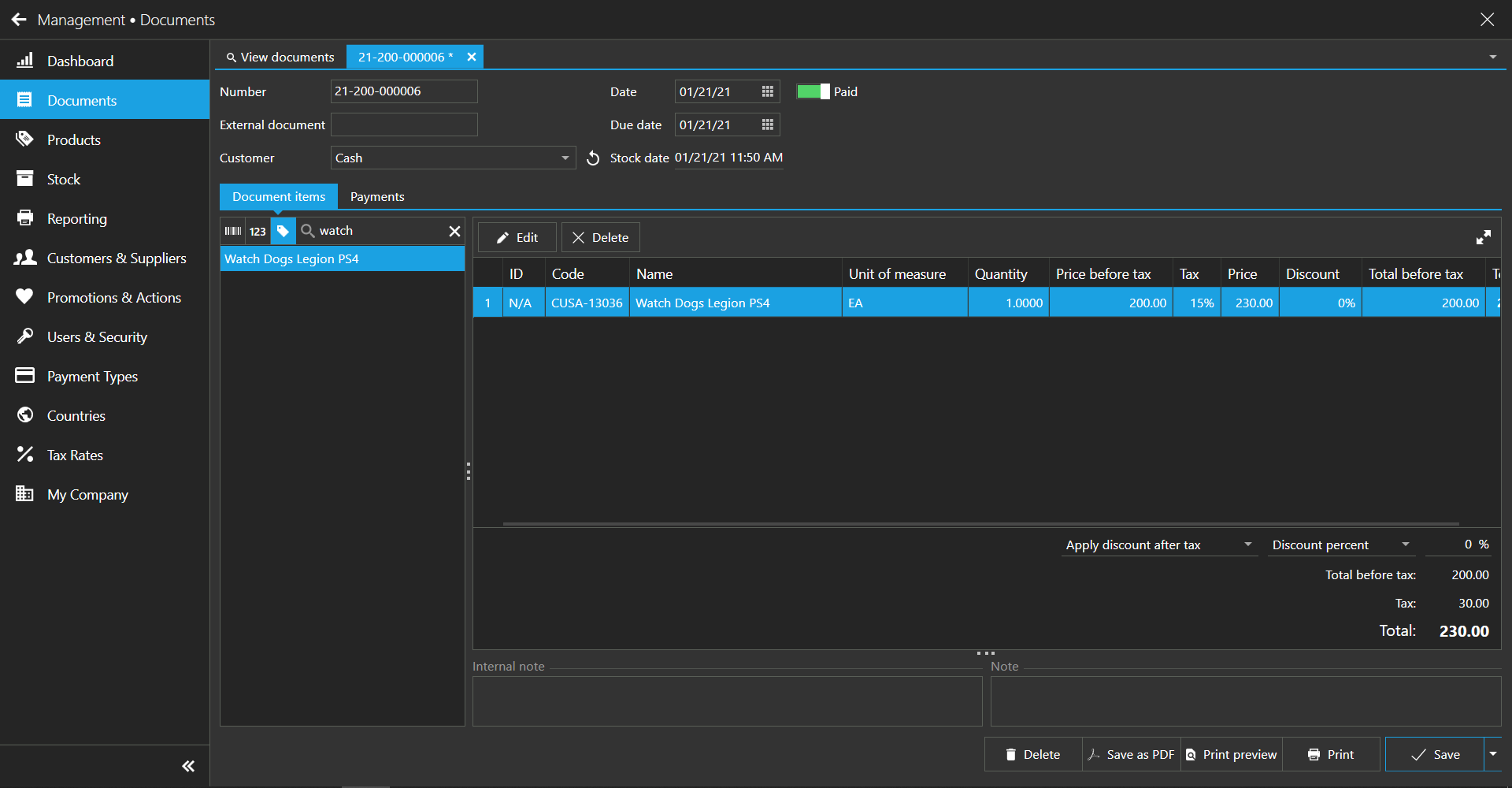
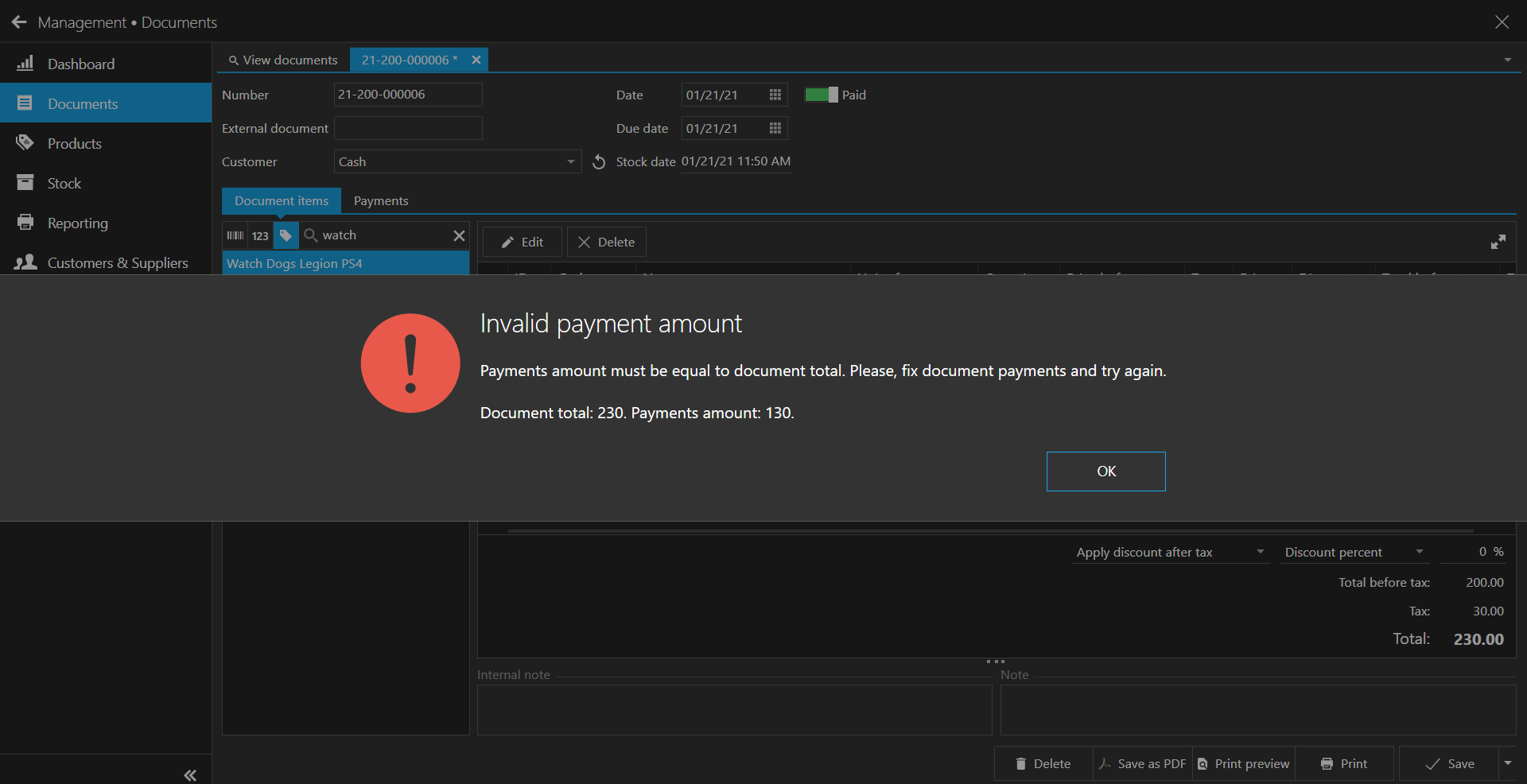
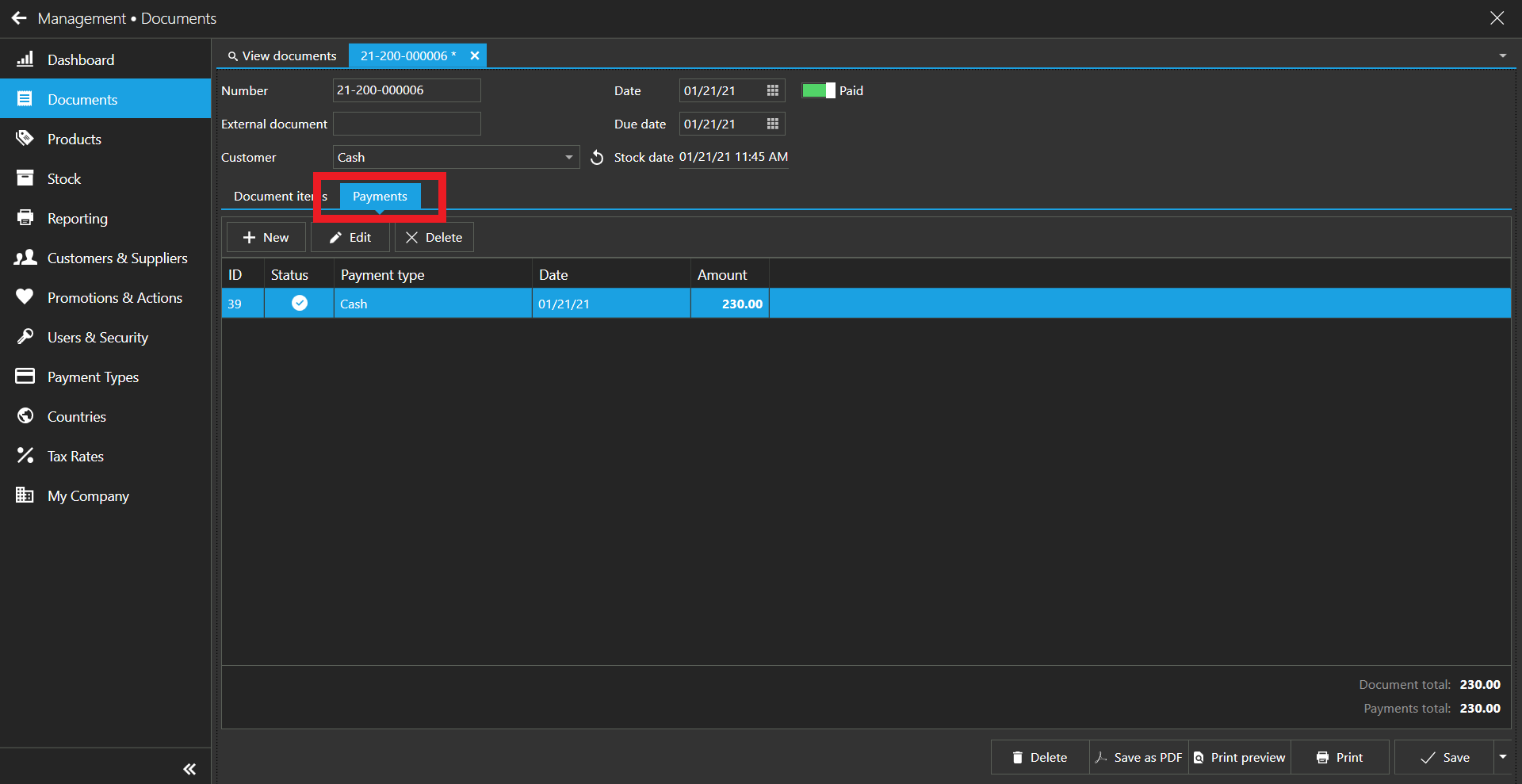
Your total in this document is 230, but you have entered payments for 130 only, so you are missing 100 more.
The message should be clear, payments total amount must be the same as document total. What you need to do is to click "Payments" tab and add payments used for the rest (missing 100) and you will be able to save the document as expected.
For the record, this has nothing to do with issue reported in this topic, it was a bug in calculation that was fixed long time ago. Please add missing payment amount and you will be able to save the document without seeing this dialog.
Thanks, Aronium team.


Please sign in to leave a comment.
Comments
7 comments