Saudi Arabia electronic invoicing and printing QR code in receipt
Completed
-

Hi everybody,
We want to let you know that we have released a new version for Saudi Arabia E-Invoice plugin. The latest update prevents tampering and deletion of sales and refunds documents. You can download the plugin from https://www.aronium.com/en/features/e-invoice-ksa.
With this functionality in place, we have completed all Phase One requirements for B2C invoices.
IMPORTANT: Please make sure to update Aronium to the latest version (1.36) as it is required for installing the latest E-Invoice plugin.
One more time, thank you all for your help, patience and cooperation.
Best regards, Aronium team.
-
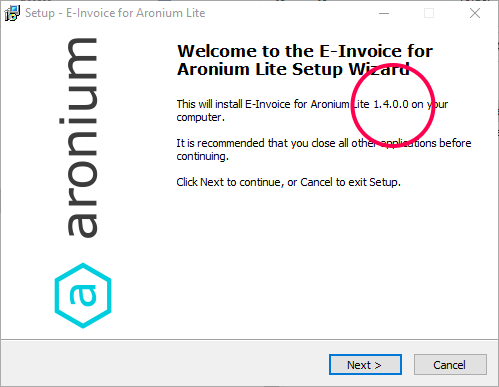
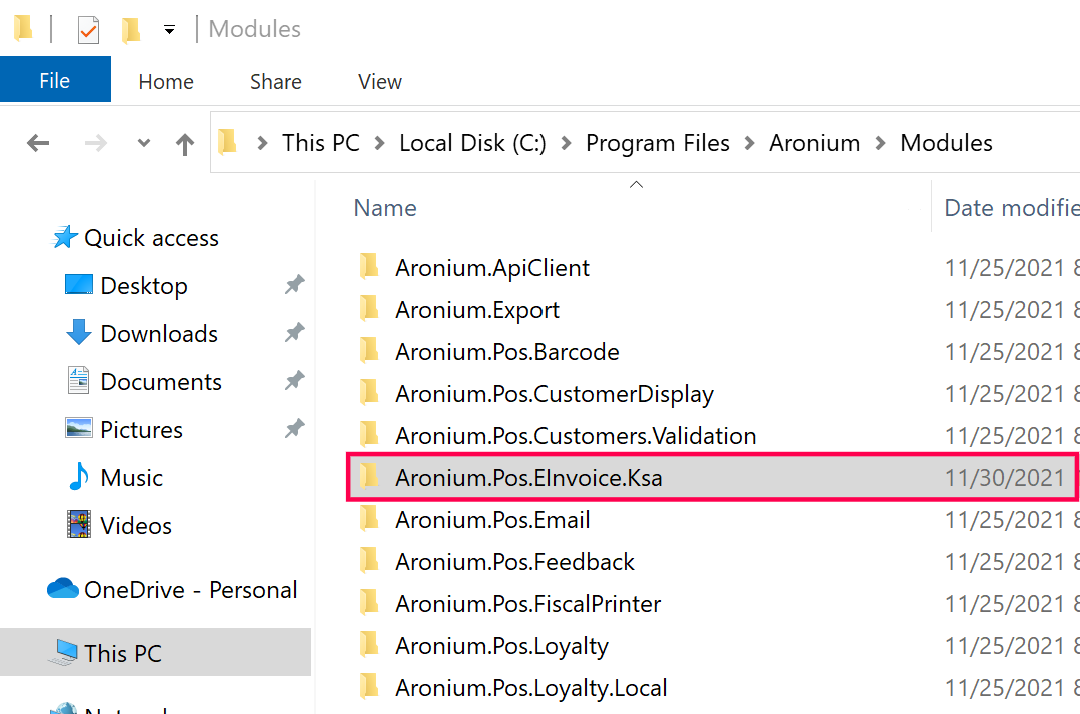
Please make sure to download the latest version from https://www.aronium.com/en/features/e-invoice-ksa, check for the version, it should be 1.4.0.0, as in the screenshot below.
Thanks, Aronium team.
-

Hi Aronium team, there is another condition to fulfil for Saudi Arabia Electronic Invoice. That is to write on top of the Invoice "Simplified Tax Invoice" when it is Business to Customer Sales. (B2C)
And when it is Business to Business sales (B2B) it should be written on top "Tax Invoice"
Another thing if it is possible to change the alignment of QR Code? If somebody is interested in putting it in right bottom or left bottom, Can you add a few options for this inside the app ?
Can we also control the size a little bit, currently QR code is too big. Can you put options like Small, Medium, Large?
I know it is only for presentation and not about functionality of QR, However I hope you may consider these points.
-
Hi everybody,
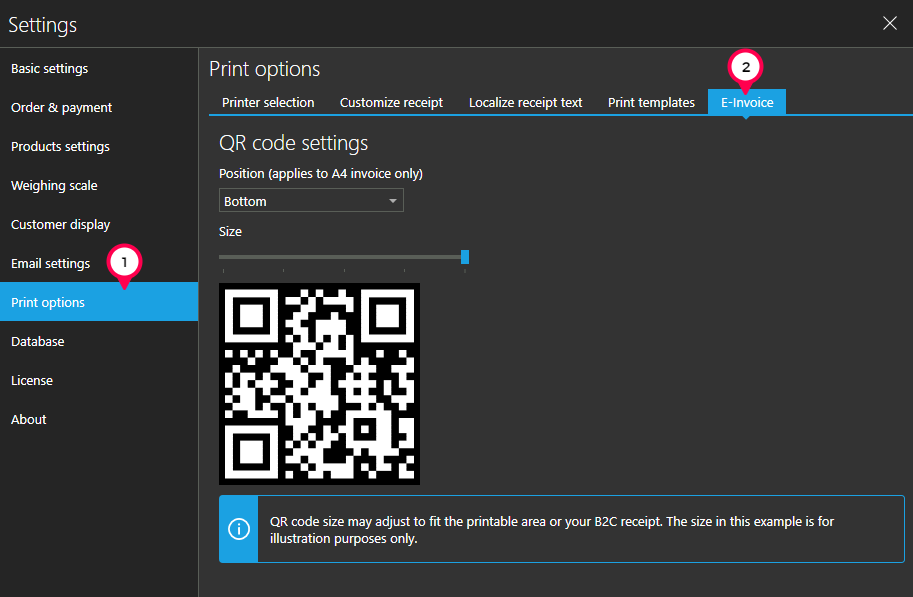
We want to let you know that we have released a new version 1.5 for Saudi Arabia E-Invoice plugin. The latest update contains the ability to resize QR code and to select if you wish to print QR code on top of the A4 invoice or at the bottom.
Please keep in mind that placement selection applies to A4 invoice only, not the receipt.You can find these options if you go to Settings, then Print options and select E-invoice tab, as in the screenshot below.
As always, you can download the plugin from https://www.aronium.com/en/features/e-invoice-ksa.
Thank you all for your help, patience and cooperation.
Best regards, Aronium team.
-

Thanks a lot for you efforts and support team Aronium.
After the latest update of plugin ( E-invoice in Saudi Arabia ) I am not able to delete or modify, refund and Invoices.
Even with Admin Account.The following error is received when I try to delete an Invoice.
Deletion of this document is not allowed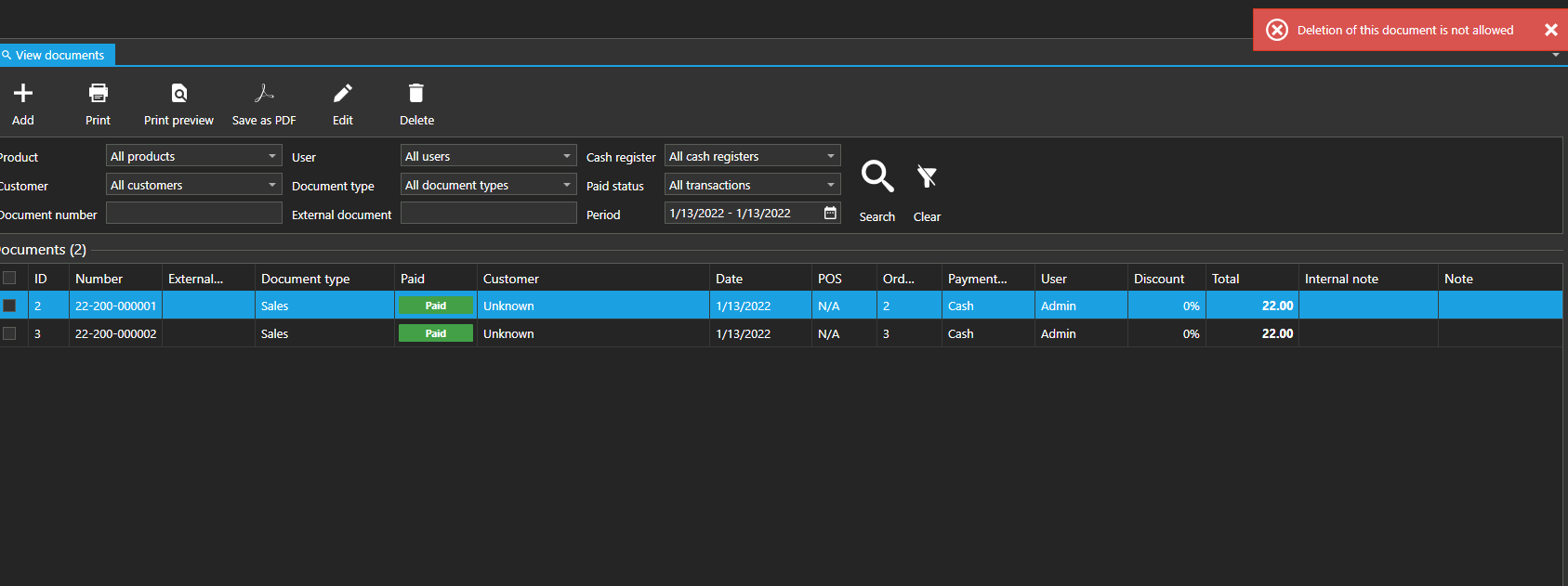
I cannot modify the Invoice as well.
Invoices and refunds cannot be modified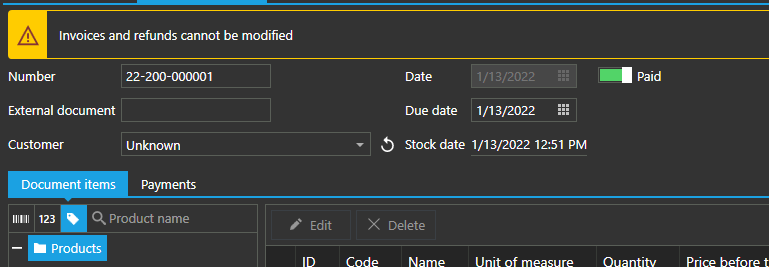
Please provide the solution for this problem because I have cashier that make many mistake during routine work and I need to adjust those by the end of the day,
-
We are closing this topic for comments as Phase 1 was implemented and completed.
For any questions related to to Phase 2 implementation (starting 2023), please see https://help.aronium.com/hc/en-us/community/posts/4417645178002-It-s-possible-to-connect-the-community-software-with-Zakat-Income-Authority-on-2023-on-Saudi-Arabia-, we will post any updates there, once we have some.
Thanks, Aronium team.



Post is closed for comments.
Comments
71 comments