Expiration date product
Completed
This is a very important function for those who sell products which have an expiration date, like some foodstuffs, and very important if the user of the system is a pharmacy, since here is not only the problem of expiration, but also the possibility of sale of some medically expired and that this affects the health of the buyer.
It would be very good to have an attribute in the product, it can be established whether or not it has expiration, and if it is affirmative to be able to indicate its expiration date
Also in the reports have a specific where you can see what are the products to beat.
-

We do expiry date checks in our monthly stock check: confirm amount of stock (no loss/broken), and make a list of products that will be expired in next month and another that will expire in two months.
In the same time we can also clean the shelves and products.
This takes about half a day for us (2 persons) in a grocery store with around active 400-500 SKU. Afterwards we plan discounts & promos if any of the products we want to get rid of ASAP.
I commented & vote on this thread a few years ago, but now i think this manual approach is actually better for our store.
-

Hey everyone,
Let me explain how the app works. In Aronium, we're going to use the description field as an expiration date input in dd/mm/yyyy format like this:
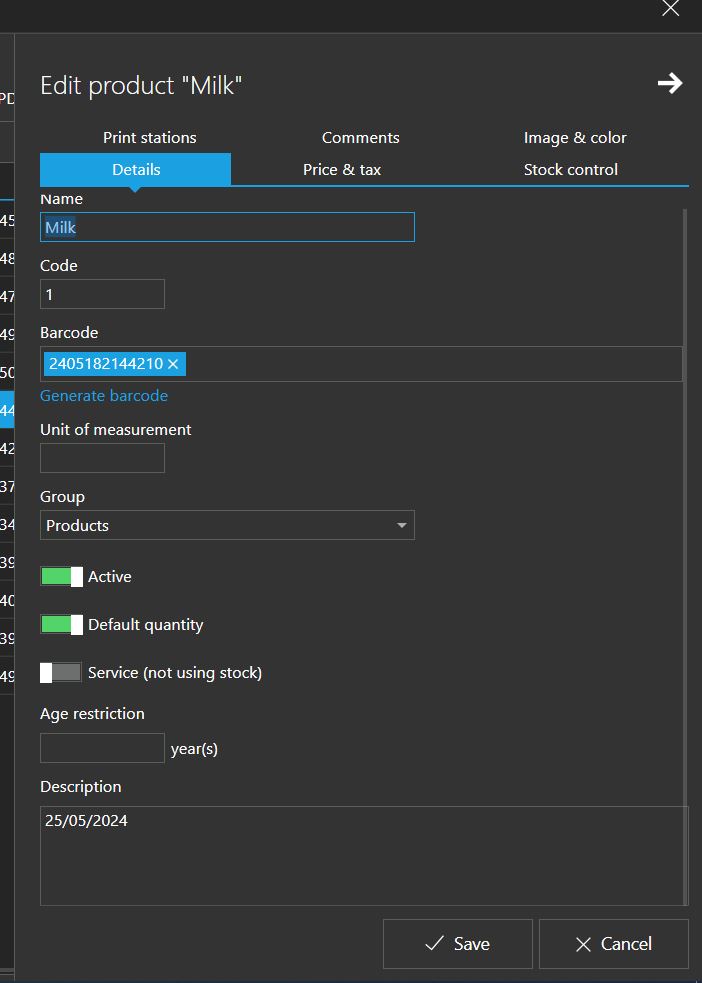
Now, after opening the app and choosing the database, the app will check the description field of all products and get the products that have an expiration date in their description. If the description field is empty, it will be ignored. After that, the app will compare the date in the description with the current date to get the remaining days. The final result should look like this:
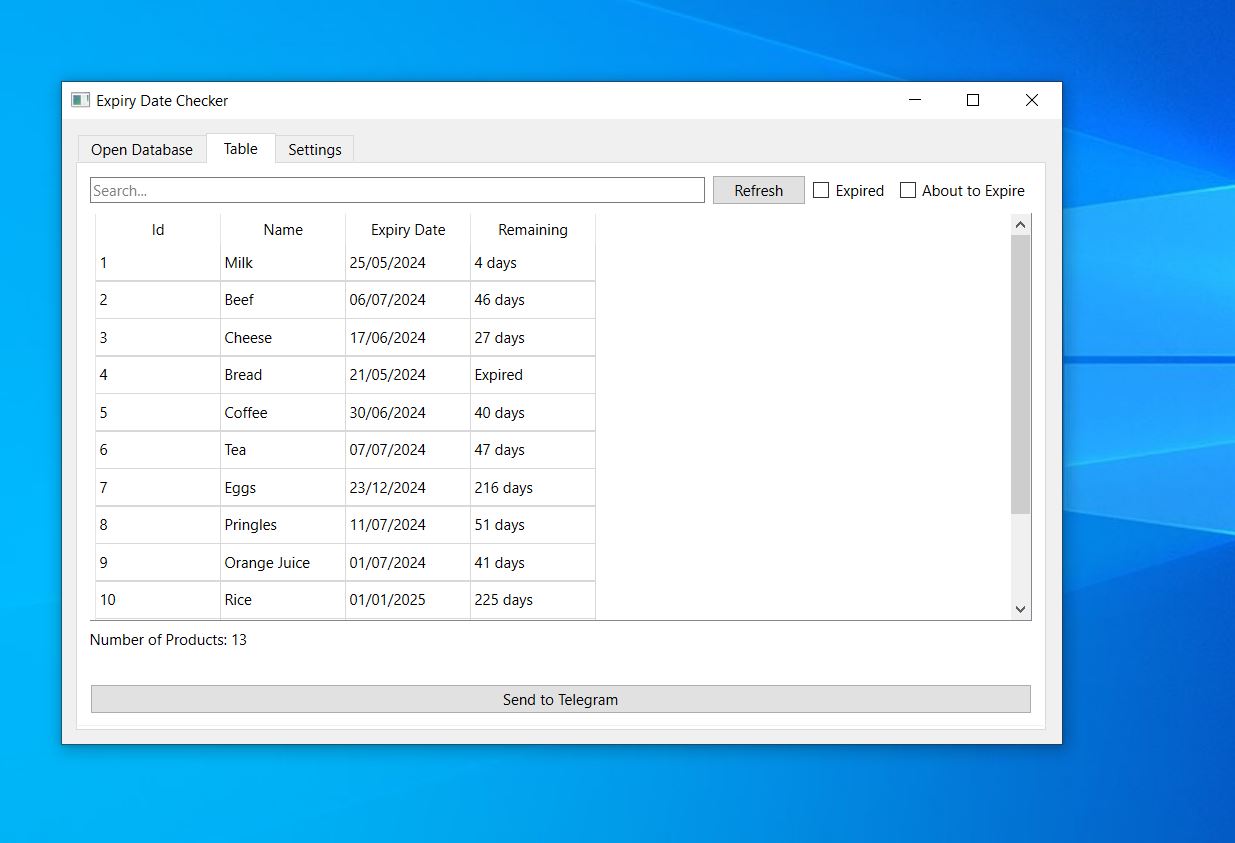
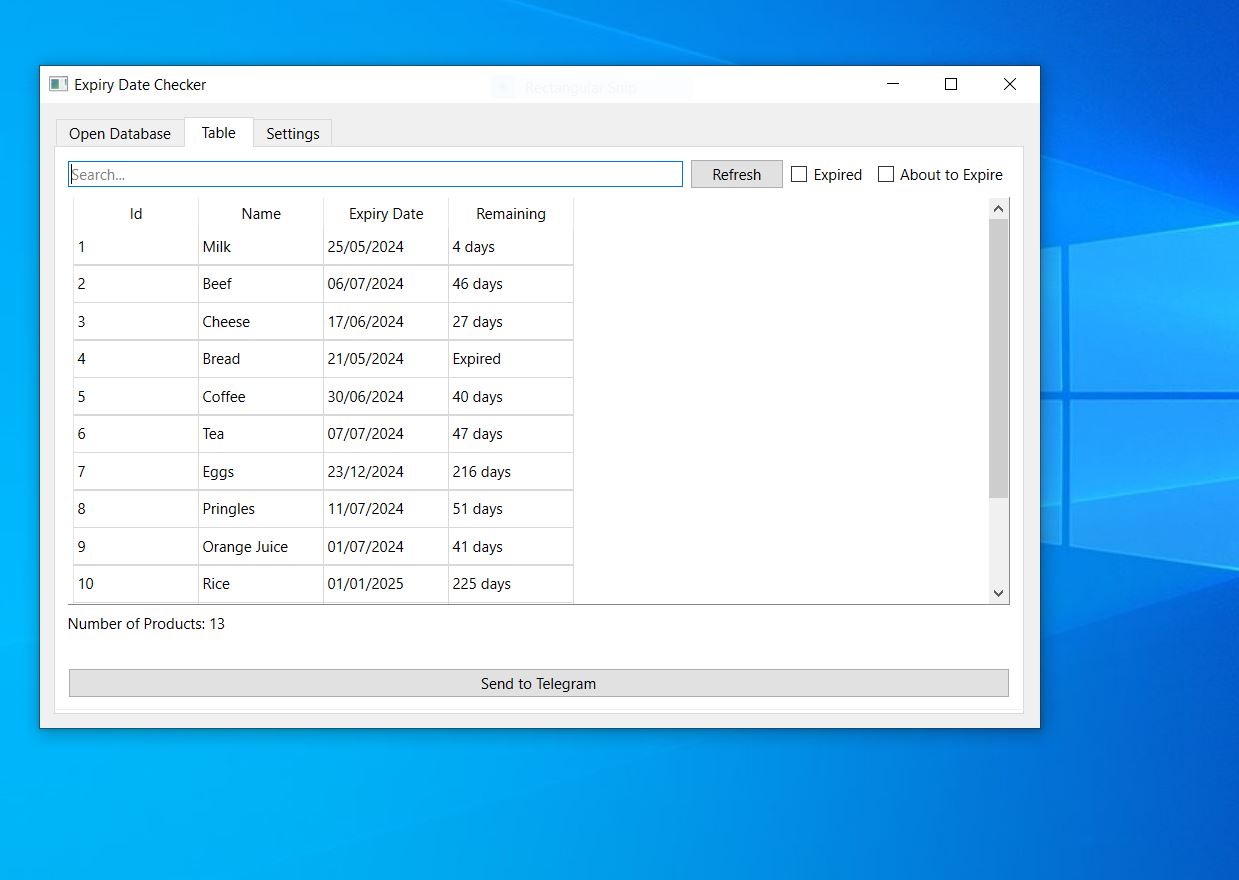
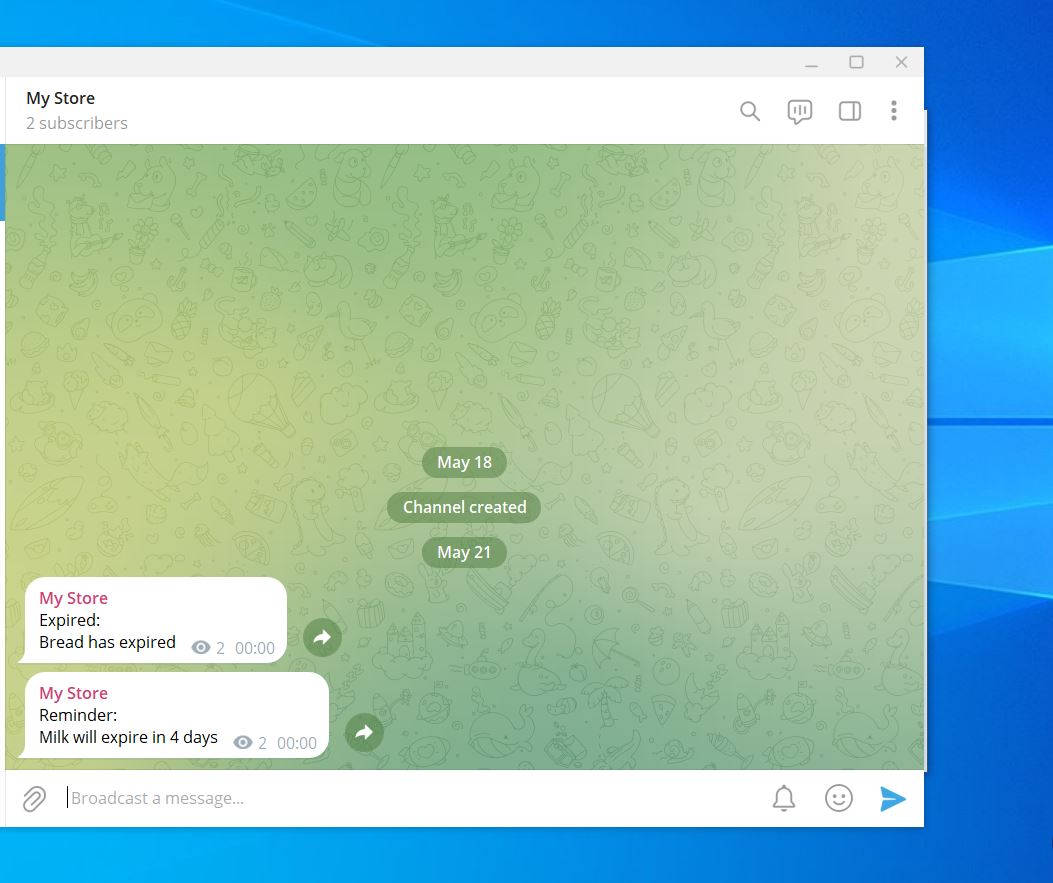
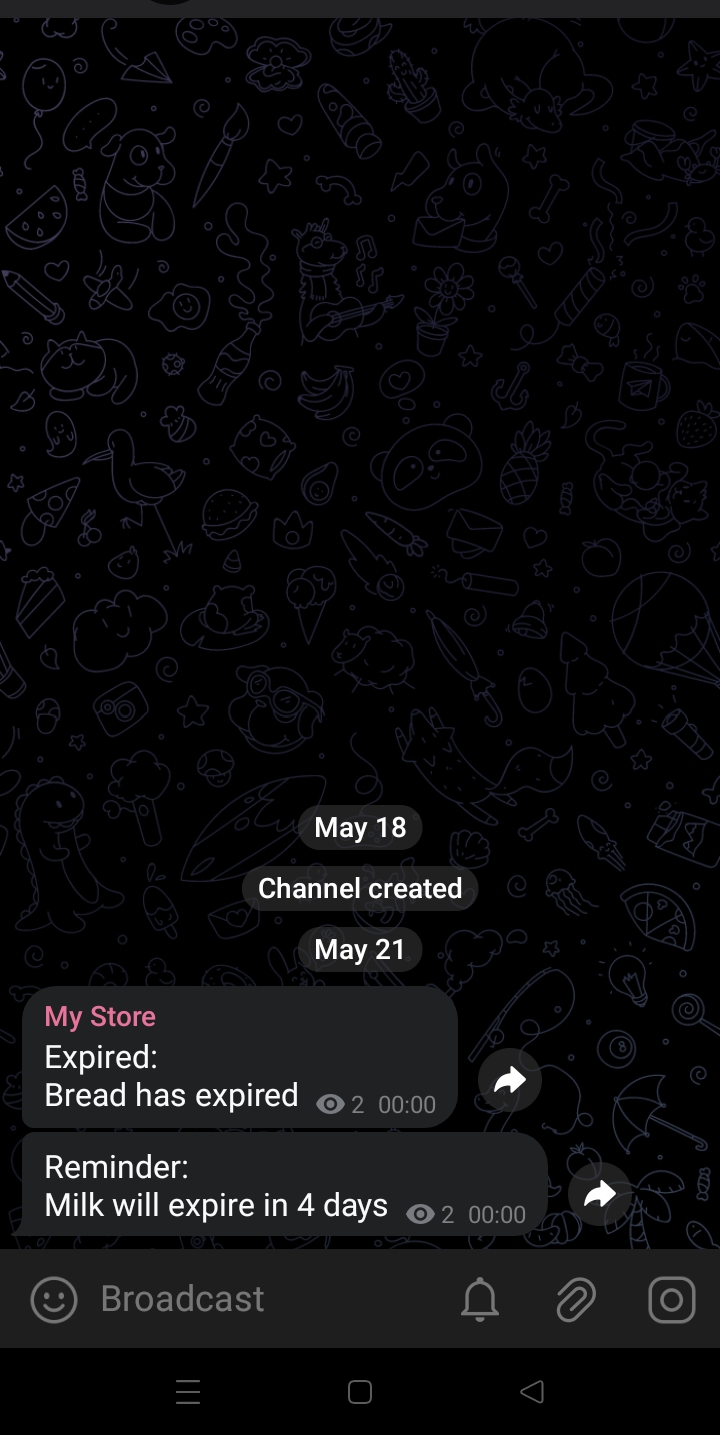
In the table tab, there is a search box to search the table by keywords, a refresh button to get the latest data from Aronium without reopening the database, an expiry date filter to show expired products only, an about to expire filter to show the products that are about to expire based on the notify me before number specified in the settings tab, and a button to send data to Telegram.
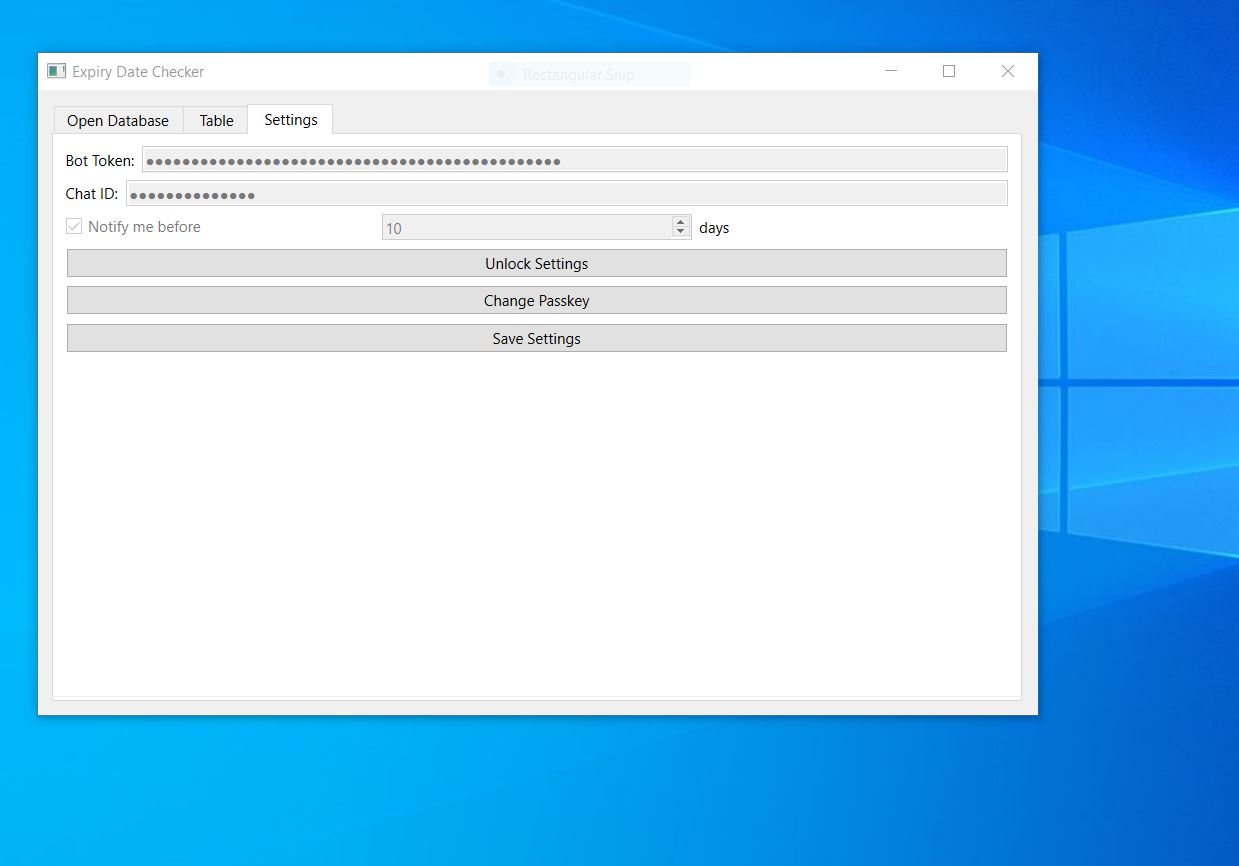
In the settings tab, you can configure various options, including entering the Telegram bot token and chat ID in their respective textboxes, and setting the number of days before a product shows an "about to expire" notification using the "Notify Me Before" number input. There is also a lock/unlock button to secure the settings (The default keypass is 123), a change passkey button to change the passkey, and a save button to save changes.
How to get Telegram bot token
https://sendpulse.com/knowledge-base/chatbot/telegram/create-telegram-chatbot
After creating the bot, create a new channel and set it to private. Once the channel is created, search for IDBot.
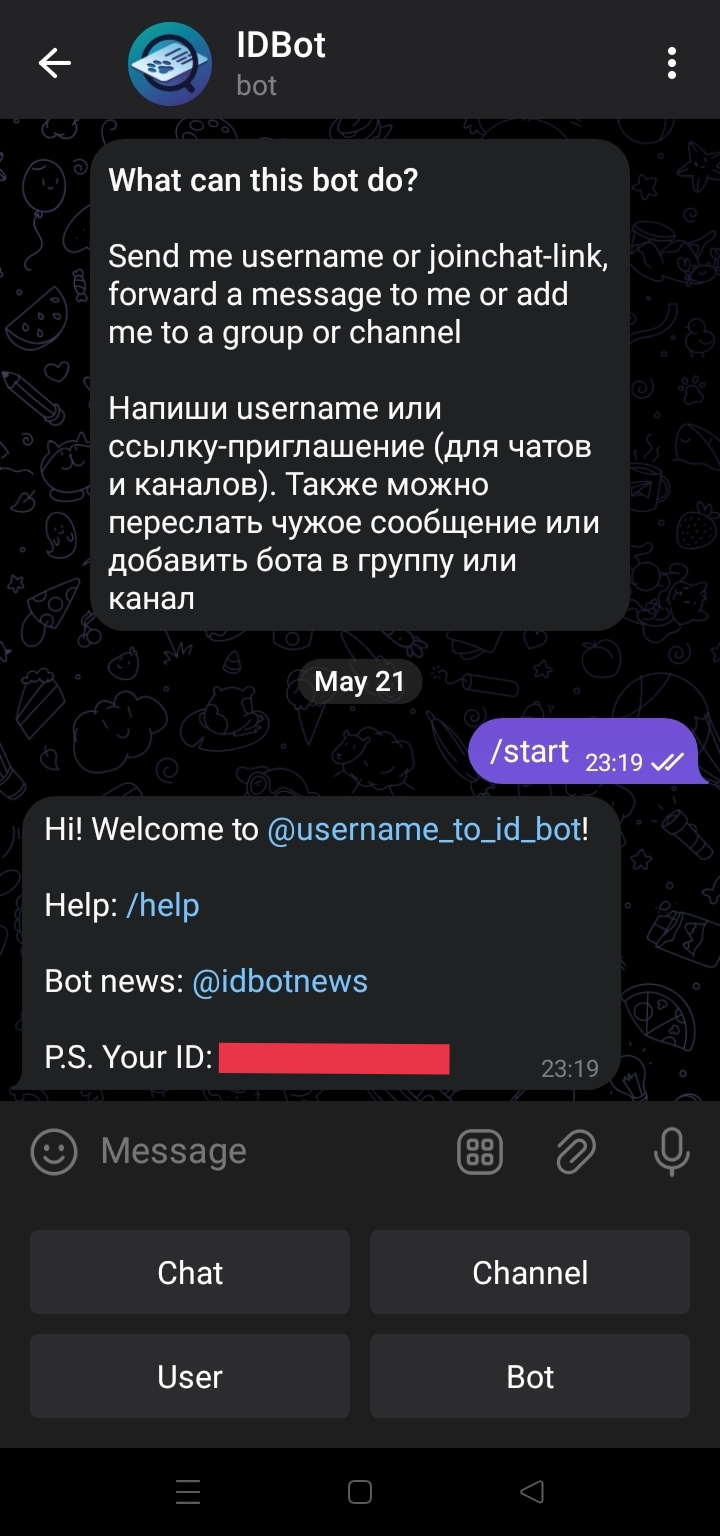
Click on channel and choose your channel to get the channel ID.
App download link: https://mega.nz/file/9IVXwTrC#veY3cp5uelrA3YHvpzMcg1lFt6vUEry85KGIWmPS4wM
If you have any question feel free to ask.
-
Hey Michael Funganoti,
Of course. You can download the source code from the following link:
https://mega.nz/file/FE9yWBgI#GCIouvsNrMQ3hoVgJ-ZKX4NUeR5wPr-iqEZS2pQXhR8
Greetings.
-
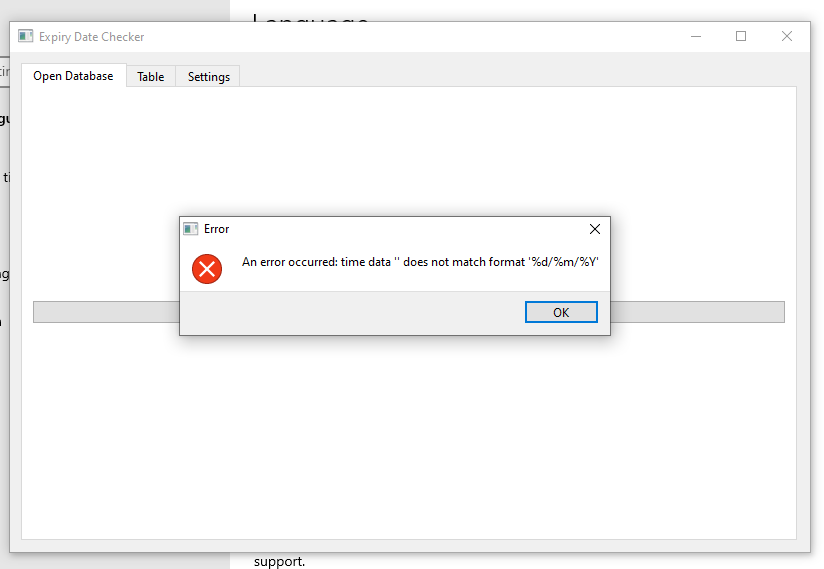
Hey ABOU HASAN, I'm great, thanks for asking.
I've fixed the issue. You can download the updated version from the following link:
https://mega.nz/file/EQ8WRZKR#5WGxqZFA7_Ygz1YDwwqb5cuITbyoi2JiT_GpzbZ4qBg
Greetings.





Please sign in to leave a comment.
Comments
102 comments