Customer display issue

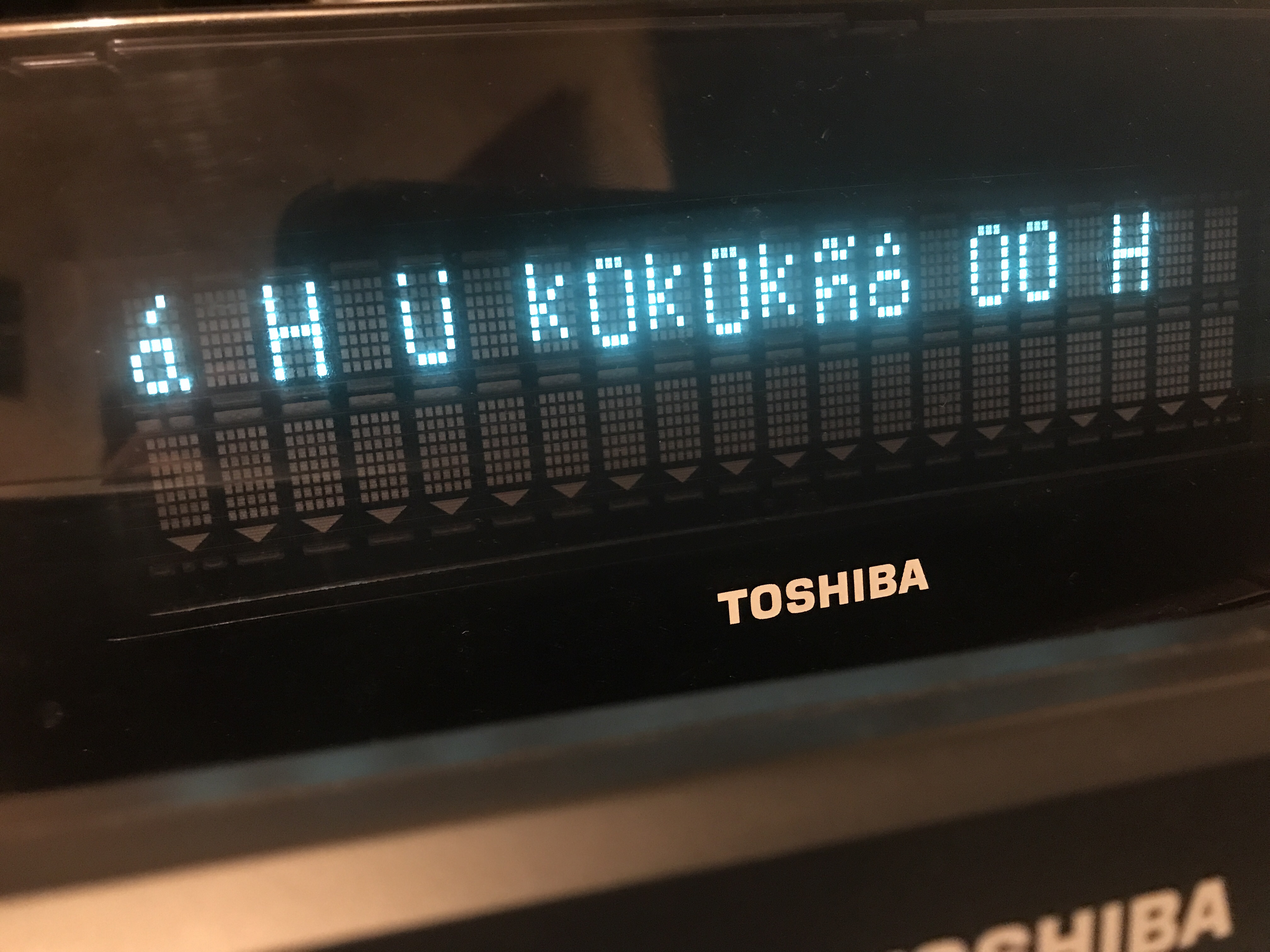
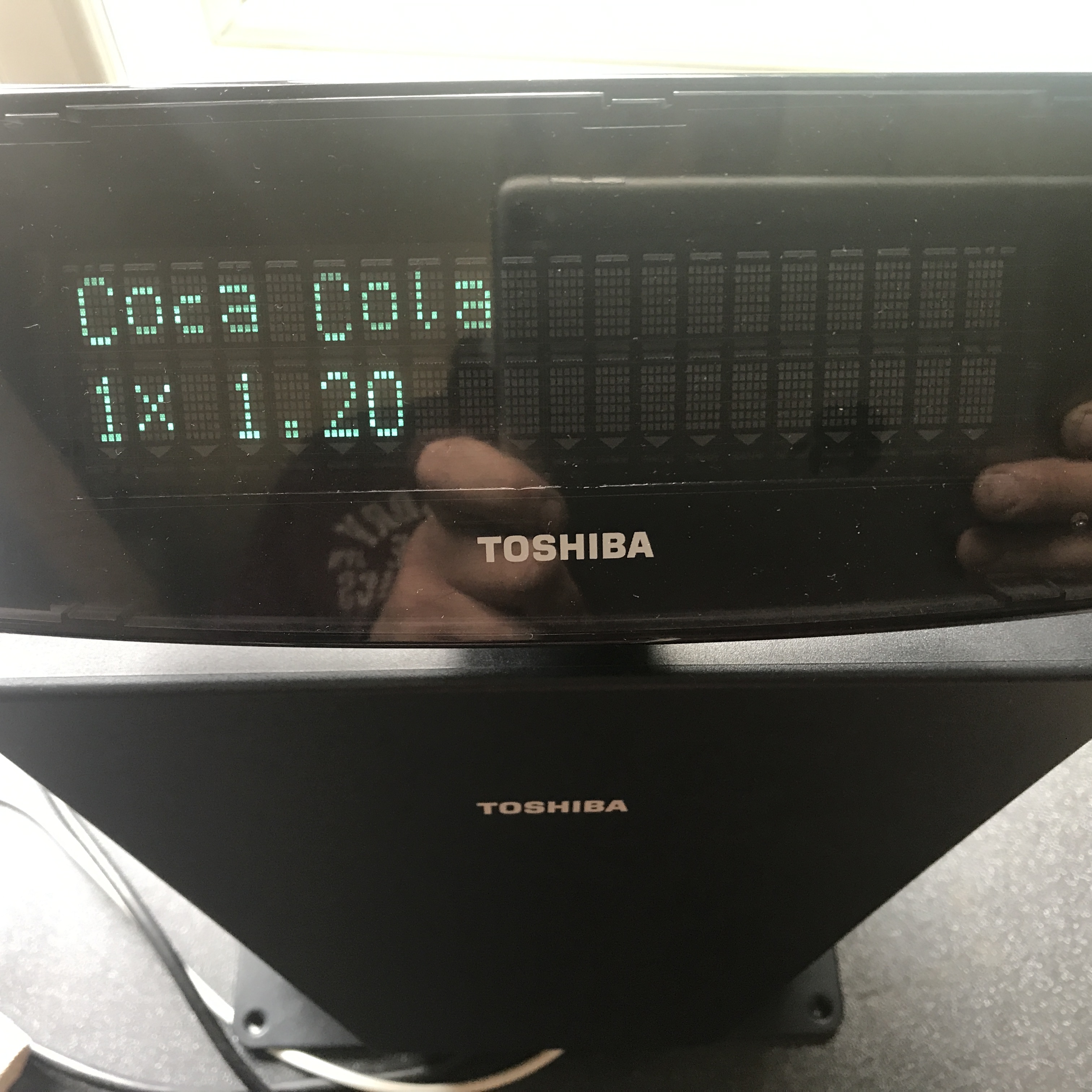
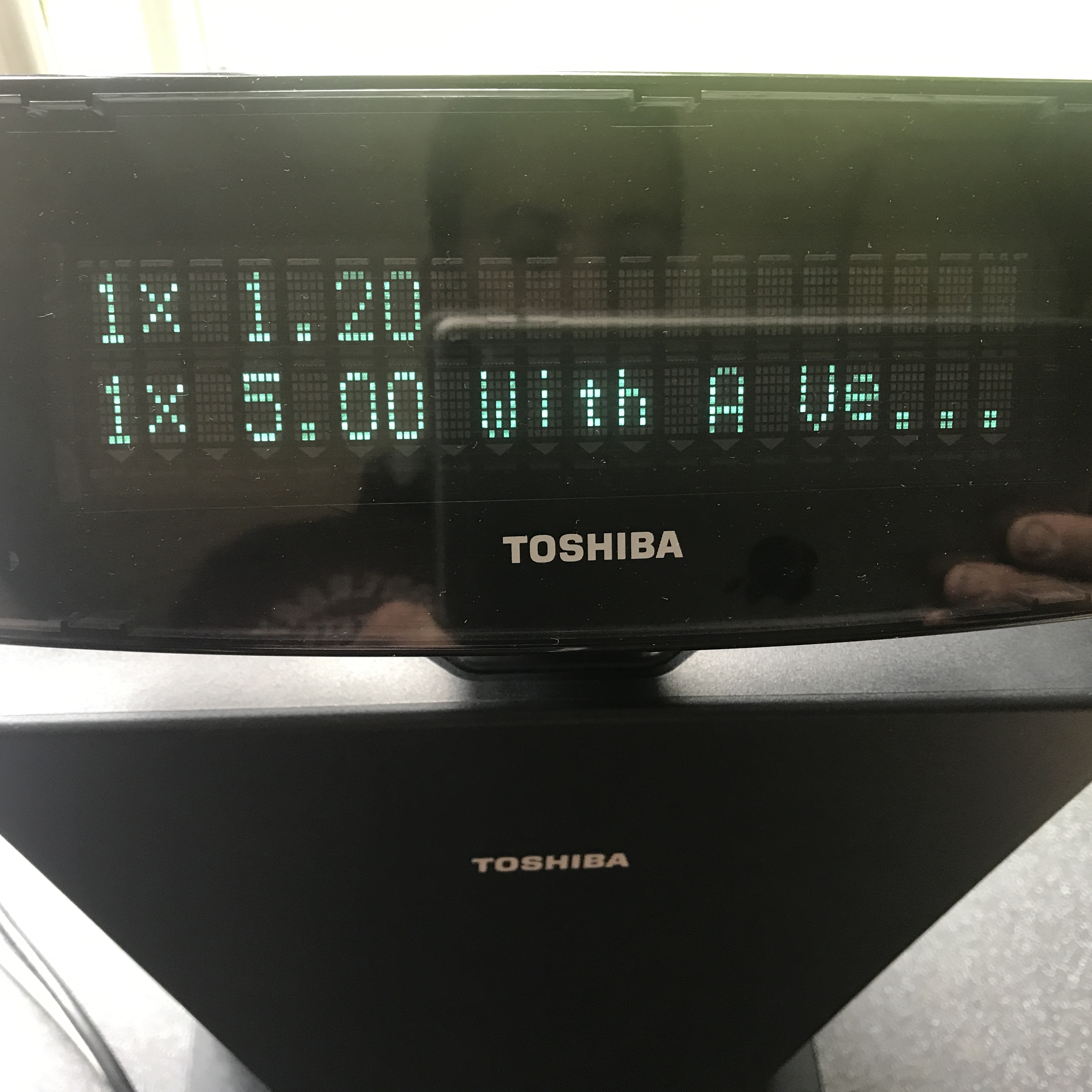
has anyone managed to get the customer display to work on the toshiba pos terminals? Mine just comes up with random garbage!
-

Hi Steve,
Thanks for the photo.
It may happen that this customer display does not support (or not set to work with) set of commands Aronium is using.
Aronium is using standard EPSON ESC/POS commands (protocol) for customer display, and I remember we had similar issue with Vacuum Fluorescent Display (VFD) on one IBM device (embedded customer display). The problem was that IBM displays are using different protocol, and it couldn't work with Aronium as expected.
Can you please check with your supplier if this may be the case, or if there is a way to change the protocol it is using?
-
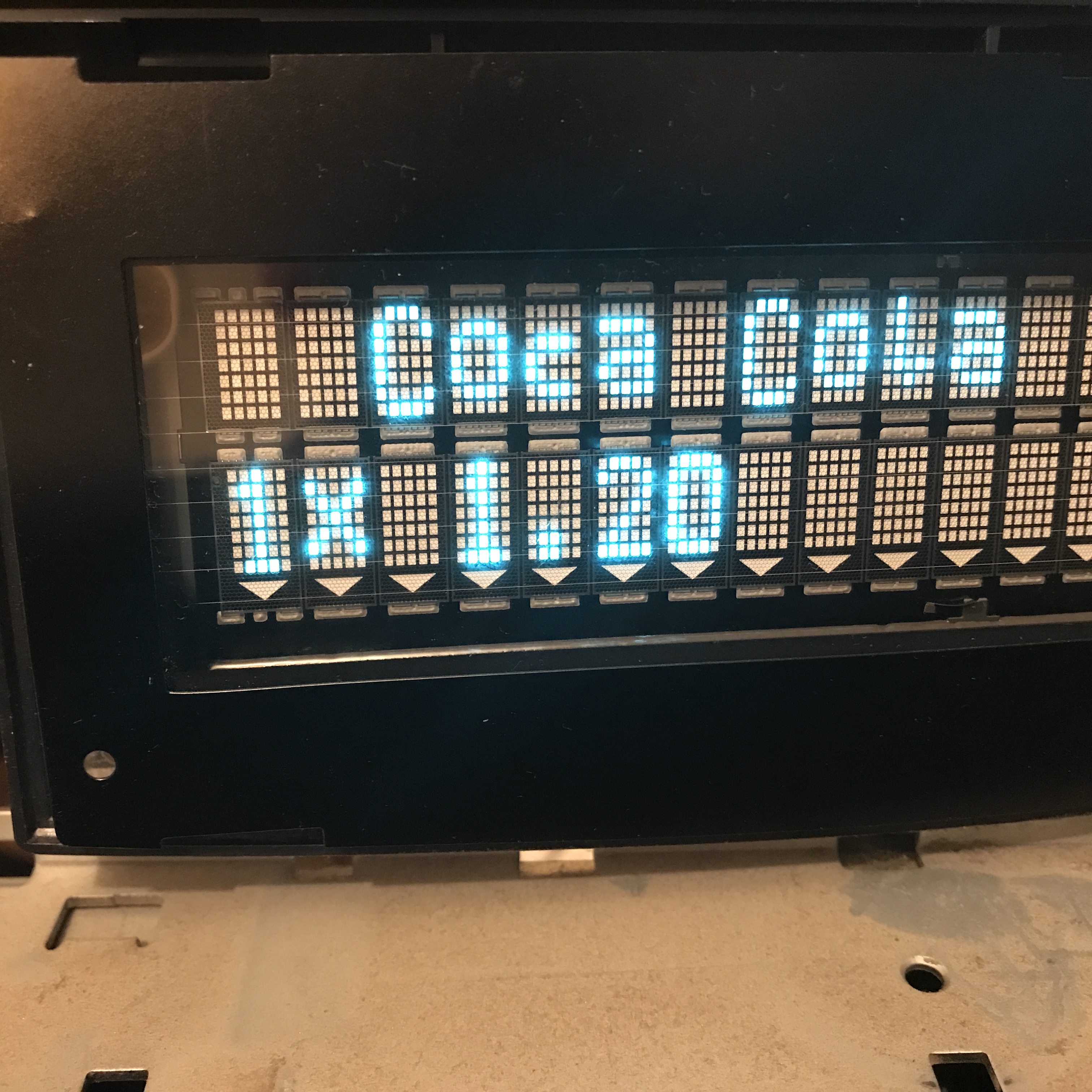
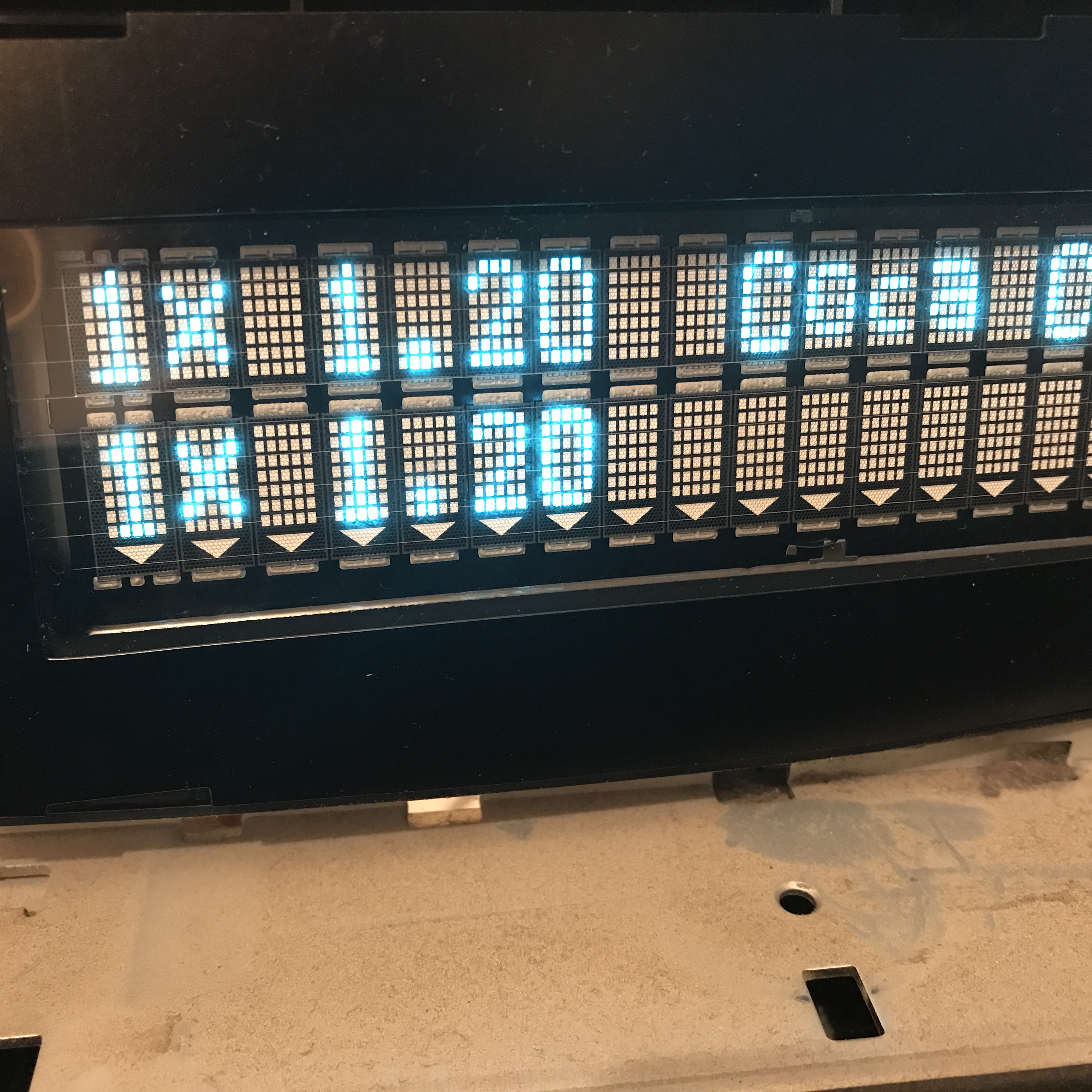
What you are seeing for the first time, these empty spaces in front, are actually two bytes (commands) sent to display:
- Clear display
- Move position to the beginning of the first line
These two command bytes are not properly handled by customer display (protocol issue mentioned before), so, instead of clearing and positioning the text, it displays non-visible characters before displaying the text.
Pressing the button for the second time (adding new item) has the same effect, instead of clearing display, it just adds new text, resulting in a second photo you've sent.
So, I still believe there must be the way to "tell" the display to use some protocol, otherwise, it will not work correctly, but we cannot help much with this, as we need to have this one in our lab to try it out, and, unfortunately, we don't.
Try consulting documentation or your supplier what dip switches combination can work for ESPON ESC/POS protocol, hopefully, that may help.
-
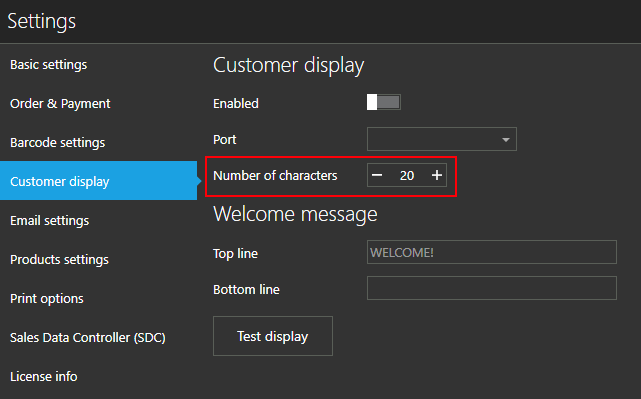
It should trim the characters so they are printed in the single line. For example, if your settings are set to display 20 characters per line, if any product name is longer then 20 characters it will be trimmed to fit (with ellipsis at the end).
For example
"Product with a very long name"
should be displayed as
"Product with a ve..."


Please sign in to leave a comment.
Comments
22 comments