XPrinter XP365B (Receipt Mode) Not Printing Arabic with Aronium

Hi,
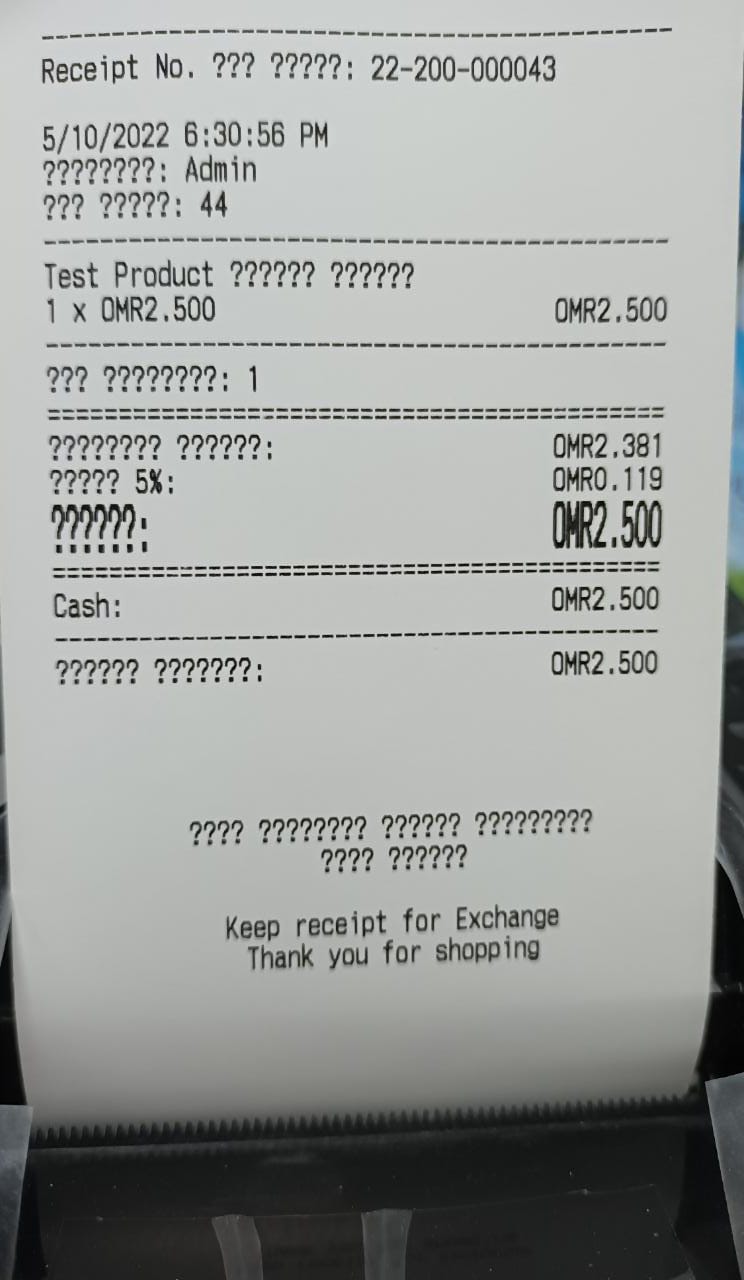
I have been trying to setup English + Arabic product names, but when printing receipts, Arabic is not being printed and instead of Arabic letters it is just printing question marks.
I have tried
-> Basic Settings > Language > English & Arabic both tried
-> Basic Settings > Writing Direction > Right to Left and Left to Right both tried
-> Print Options > Printer Settings > Printer Type (Generic/Text Only)
Please if anyone from support can help in this regard.
Thank you very much.
-

Hi Taim,
Generic / Text only printer do not support Arabic letters, you need to use Windows printer, as described at https://help.aronium.com/hc/en-us/articles/115003406071-Setting-up-Windows-printer.
Thanks, Aronium team.
-
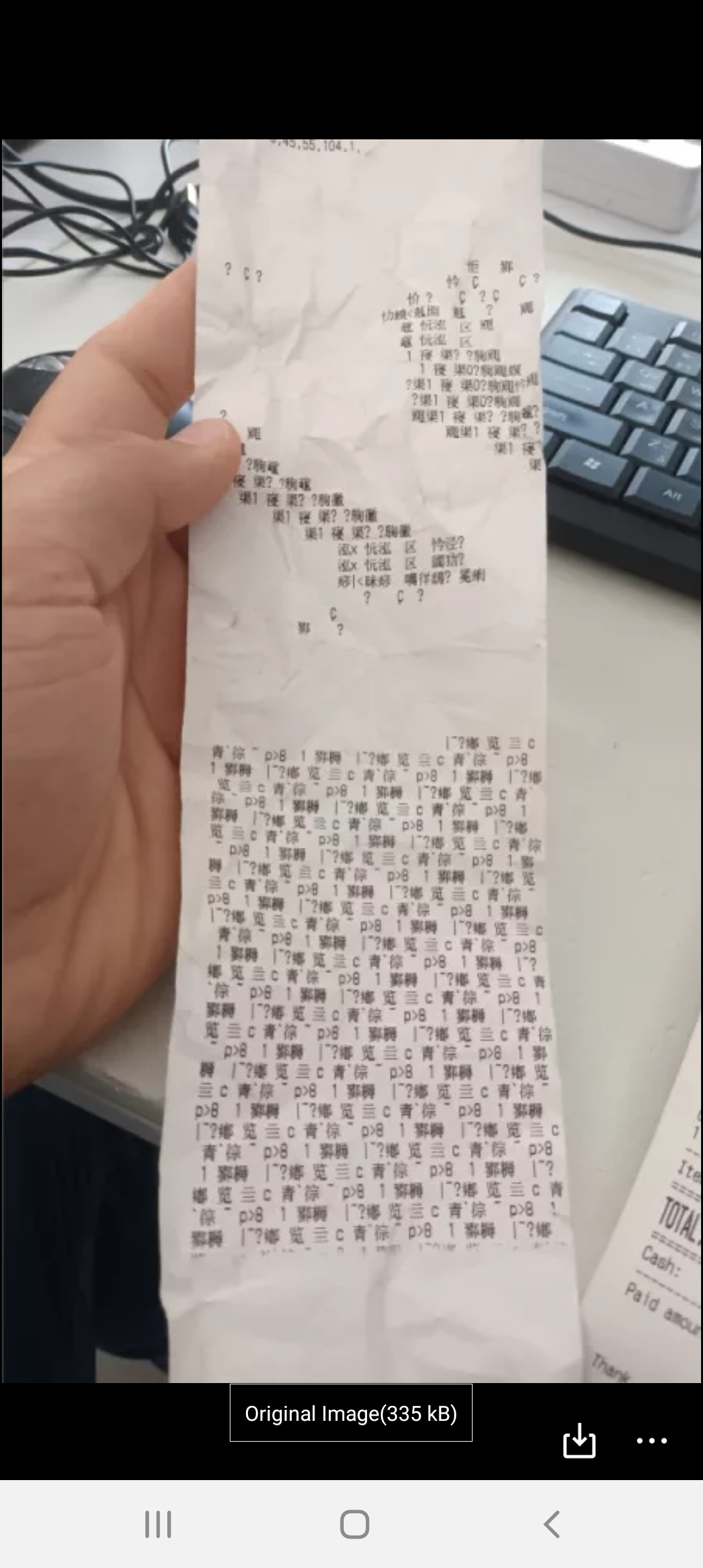
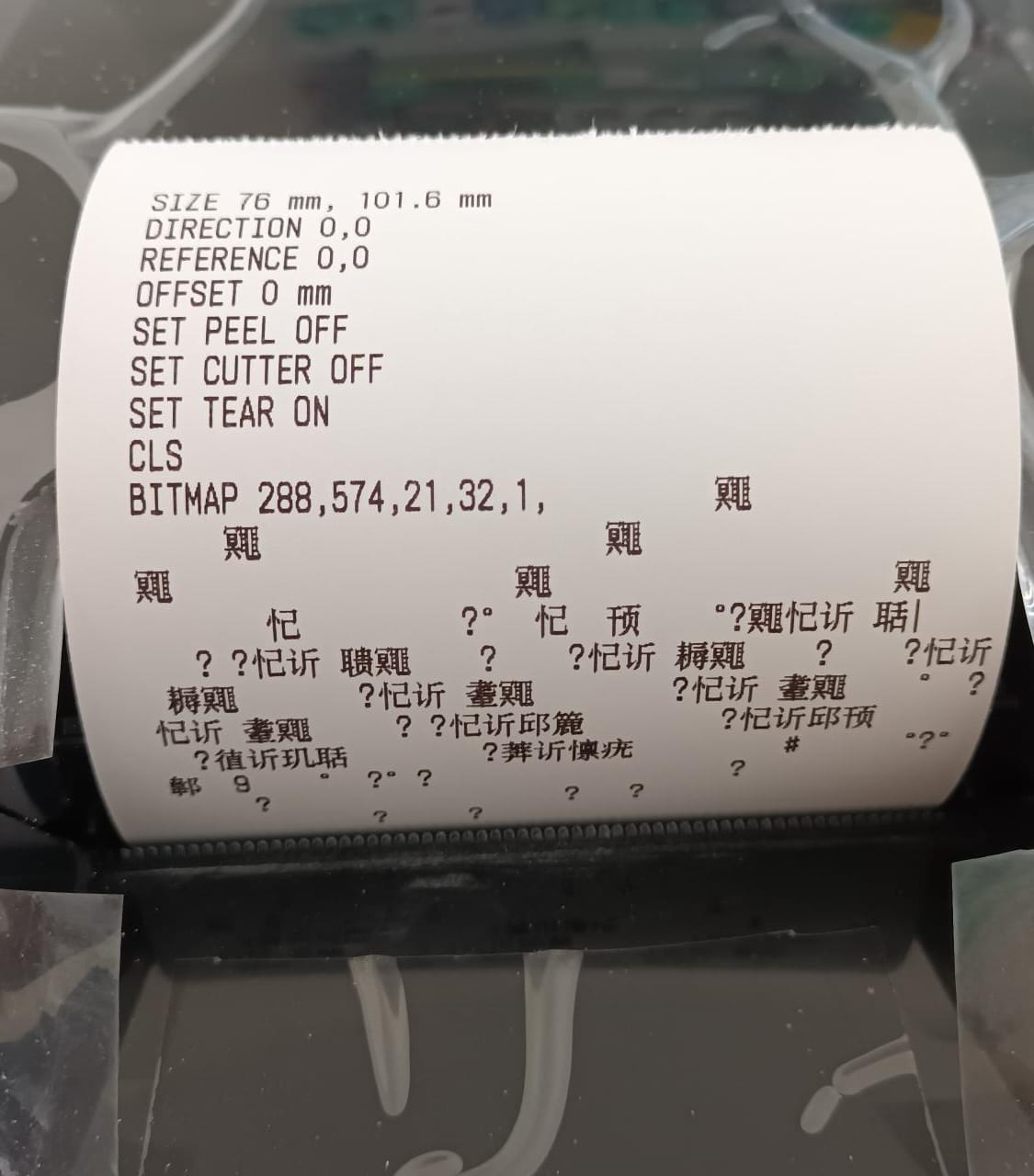
Thanks for the info. Can you tell us did you tried to print from a Notepad and see what happens and if simple text gets printed as expected?
To print from notepad, you may follow the steps below:
- Open Notepad and add some short text to print
- Select File > Print (or press Ctrl + P).
- Select the printer from the list (the one you are using with Aronium) and click Print.
-
Hi Taim,
Thanks for the update.
Your printer seems to be a barcode (label) printer and, from our past experience, they can cause issues when used as receipt printers.
Unfortunately, at this moment there is no support for Arabic letters in ESC/POS mode, so the only way to make it work is to set up your printer to print Windows graphics via Windows driver.One thing we can suggest is to make sure you are using the latest drivers for your printer and to consult documentation to check if there are any additional hardware (DIP switches) or software (driver settings) changes you need to do in order to make this work.
Sorry we can't help more.
Best regards, Aronium team.
-

Please visit this site
-
Please visit this site
Xprinter XP 365B Receipt Mode Printing Arabic and English Receipts - YouTube
Please sign in to leave a comment.
Comments
7 comments