Document Printing in receipt size instead of A4

Hi,
Can documents be printer in ticket receipt size rather than A4?
For a scenario where there is no A4 printer in a delivery vehicle and where customer pay their unpaid balances, his ticket printer will only print the left side of the A4 document.
Any options ?
-

Hi Benoit,
Please double check what printer type is selected for Receipt printer. Make sure you have "POS 58/80" or "ESC/POS" printer type selected instead of "A4", as in the screenshot below.
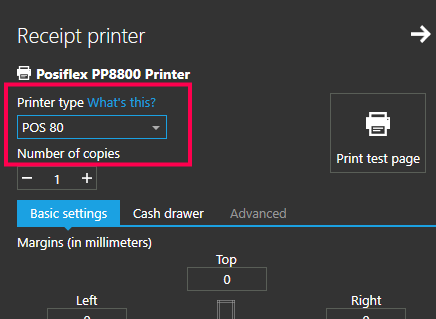
A good starting point for setting up printers is https://help.aronium.com/hc/en-us/articles/209393985-Print-Options, and you can find instructions how to set up POS 58/80 printer at https://help.aronium.com/hc/en-us/articles/115003406071-Setting-up-POS-58-80-printer
Hope this helps.
Best regards, Aronium team.
-
Hi Benoit,
There is no way to print receipt from Management, only A4 invoice.
The only place where you can re-print receipt (thermal printer) is from Sales history. So, one way to do this is to change document status to PAID in management section, go back to Sales history, find that sale and print receipt from there.
-
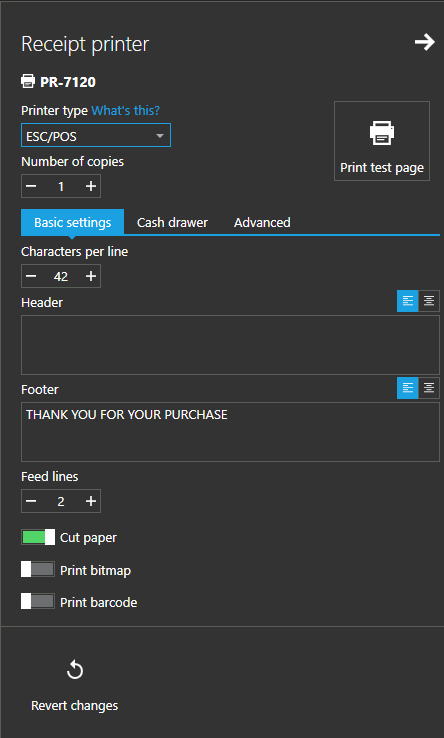
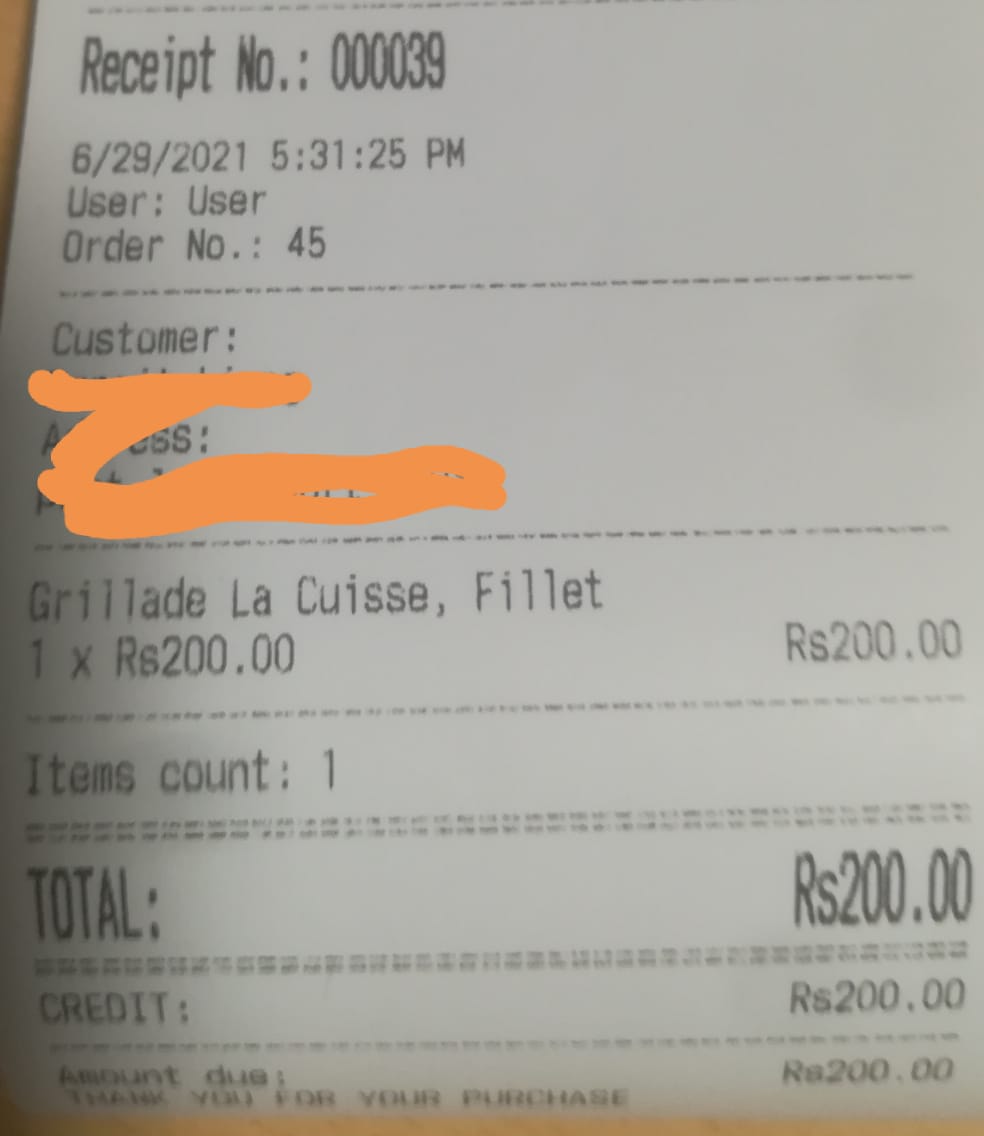
Checking PAID doesn't change payment types, so if you had a "credit" payment type in document, it is still there, and that is printed in receipt.
Please read https://help.aronium.com/hc/en-us/articles/115001968912-Credit-payments carefully, you will find instructions how to change payment types so there is no due anymore.
Thanks, Aronium team.

Please sign in to leave a comment.
Comments
5 comments